Chapter 7 Advanced Configuration
http://www.level1.com Page 53
7.3.1 Enable policy routing
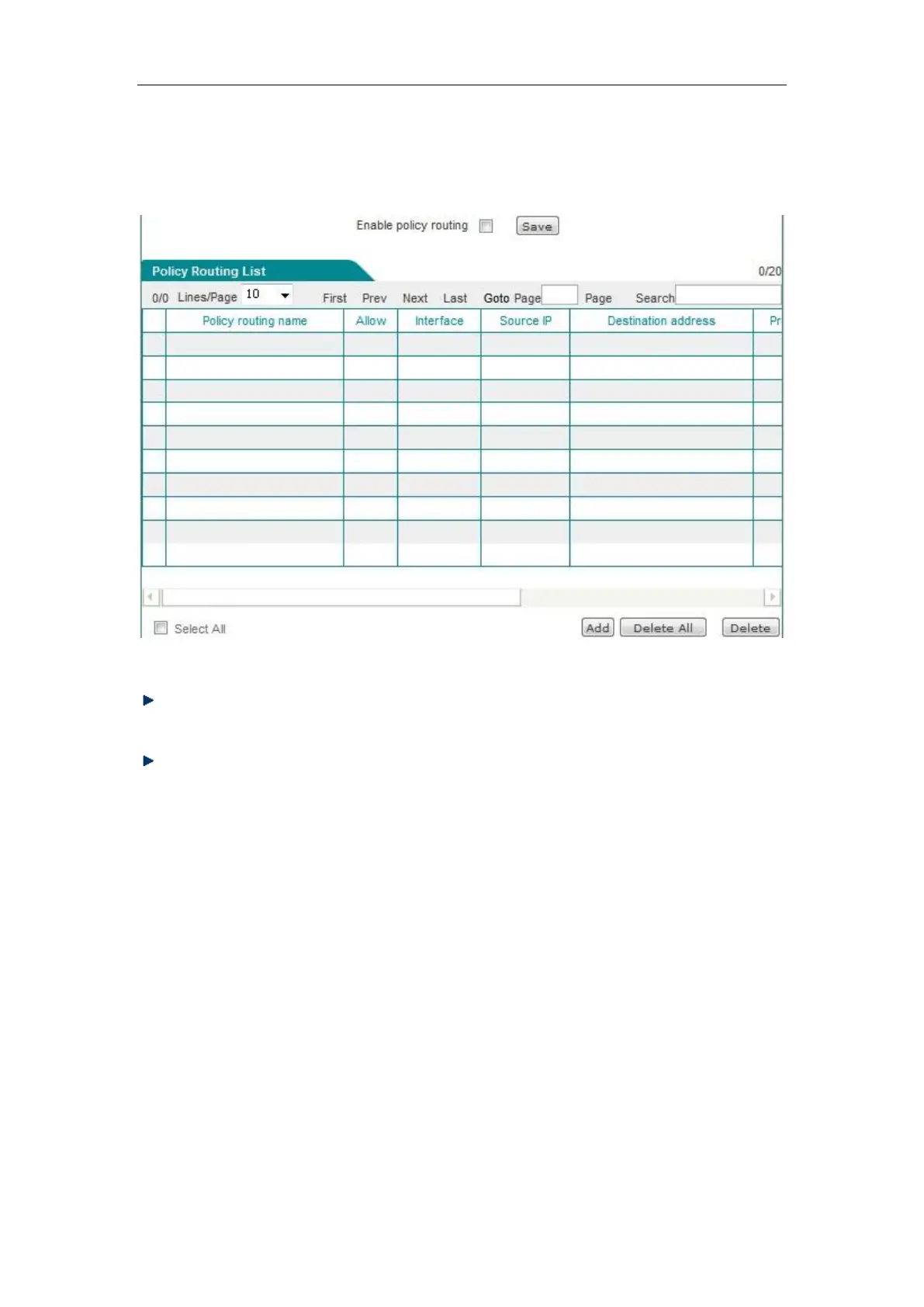
Figure 7_12 Policy routing list
Enable policy routing: This is a global switch of policy routing. Only after it is enabled can
the configured policy routing can take effect.
Move to: Users can appropriately sort the policies using this bLeveloneon.
7.3.2 Policy routing configuration
Click <Add new entry> in the above figure, and enter the Policy routing configuration page.



 To Next Page