Chapter 2 Hardware Installation
http://www.level1.com Page 4
Chapter 2. Hardware Installation
2.1 Panel description
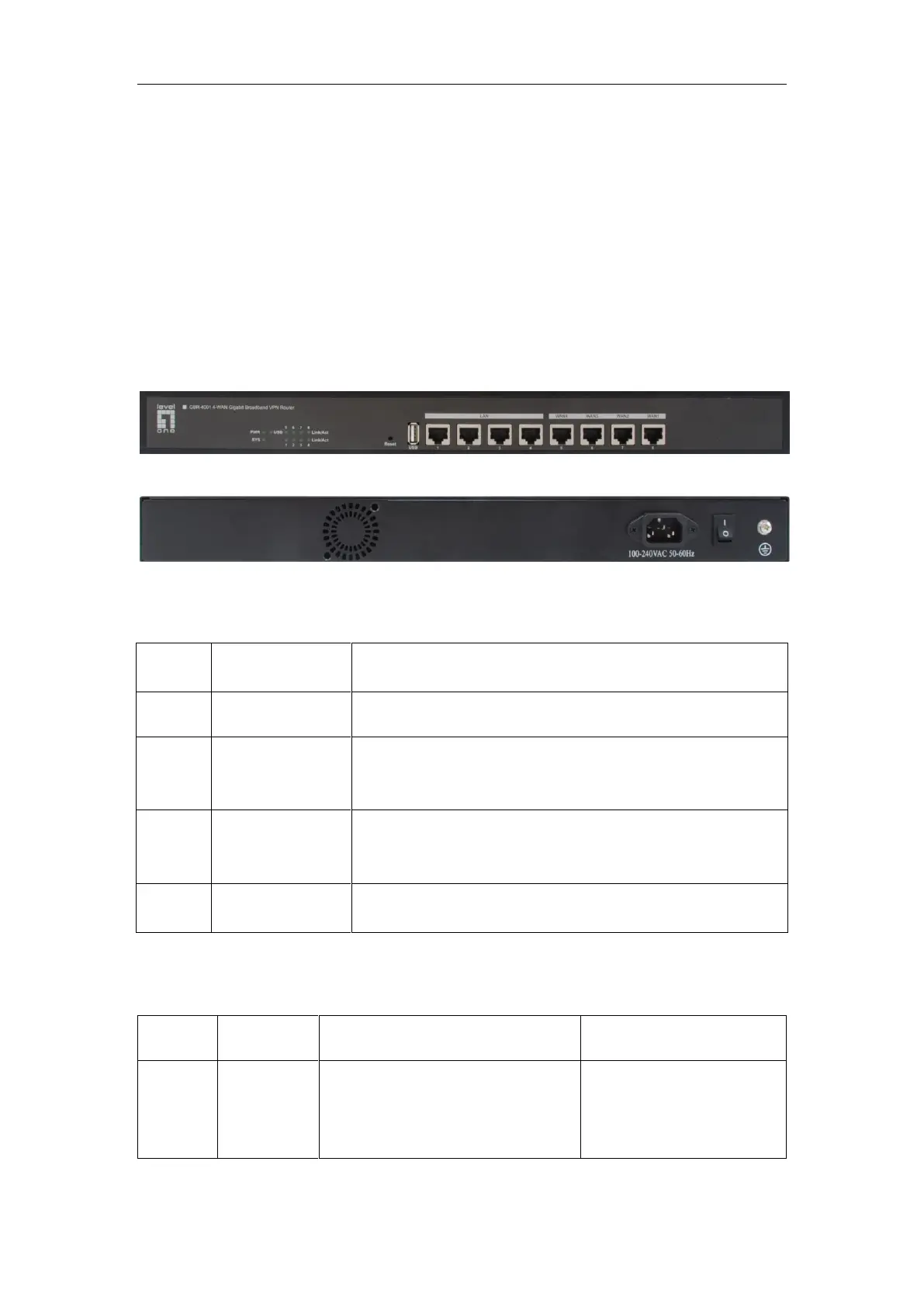
Figure 2_1 Front Panel - GBR-4001
Figure 2_2 Rear Panel - GBR-4001
1. LED description
It is constantly on when the power supply is working properly.
Flashes in the frequency of 2 times per second, and the flashing
frequency declines when the system burden is heavy; Defective
often light or often.
When a device is properly connected to a port, the status LED
that corresponds to the port stays lit, and it will flash if there is
flow.
When a device is connected to a port and after the success of
100M negotiation, the LED corresponding to the port stays lit.
Table 2_1 LED description
2. Description of interfaces
Integrated with multiple switched
Ethernet ports.
Some products are provided with
only one LAN port.
LAN/WAN are all RJ-45
ports, and support the
adapter function.



 To Next Page