Chapter 6 Network parameters
http://www.level1.com Page 36
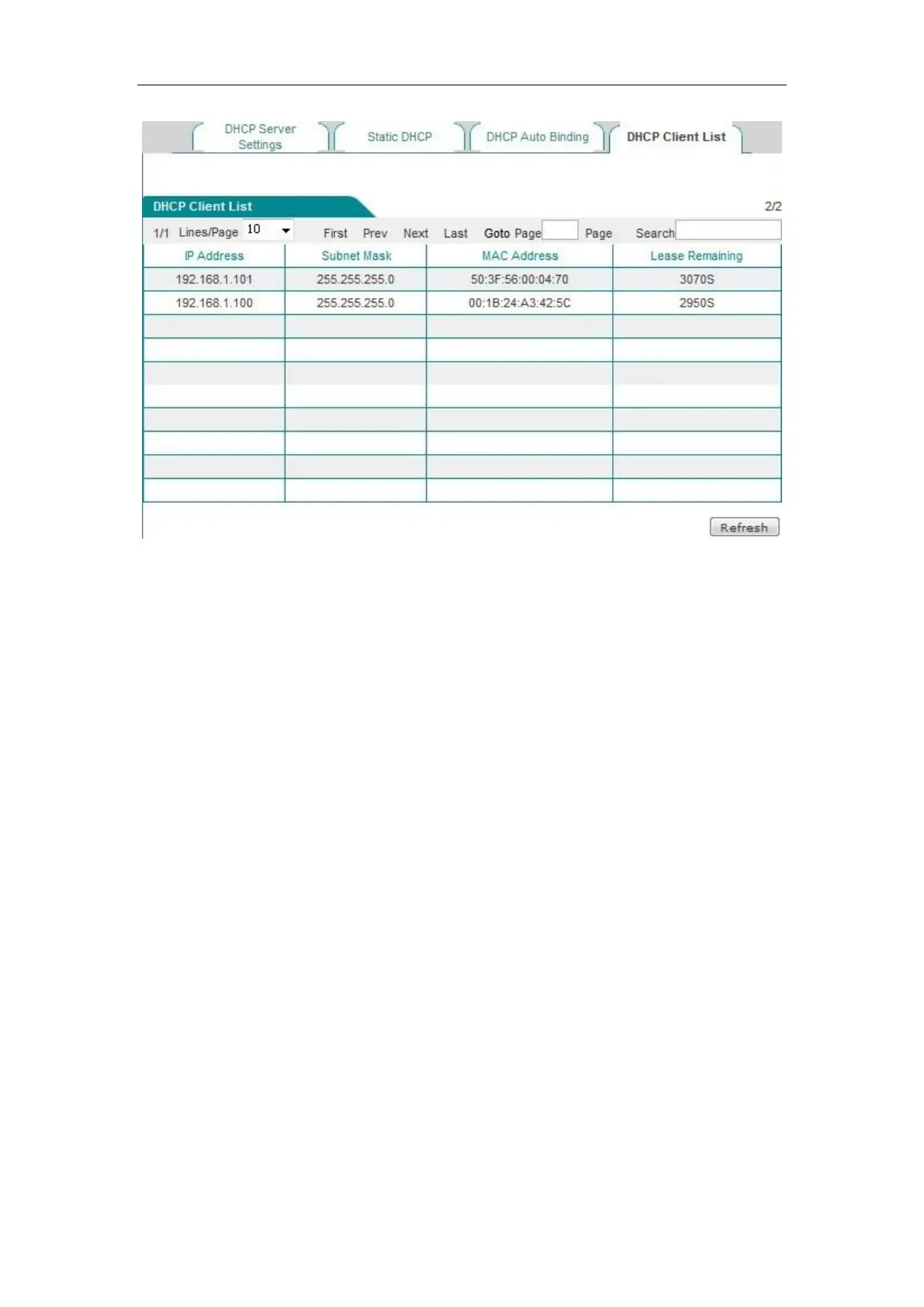
Figure 6_18 DHCP client list
6.4.5 Case of DHCP configuration
Application requirements
In this example, the device must have the DHCP function enabled, and the starting address is
192.168.1.10, with a total number of 100 allocable addresses. The host with the MAC address
of00:21:85:9B:45:46 assigns the fixed IP address of 192.168.1.15, while the host with the MAC
address of00:1F:3C:0f:07:F4 assigns the fixed IP address of 192.168.1.10.
Configuration steps
The first step is to enter into the Network parameters -> DHCP server -> DHCP service settings
page.
The third step is to enable the DHCP function, configure the related DHCP service parameters (as
shown in Figure 6_19), and click <Save> after the end of configuration.



 To Next Page