http://www.level1.com Page 167
Appendix A Configuration of LAN
computers
This chapter describes how to configure the TCP/IP properties of the computer in the Windows XP
environment.
Step I Check network IP status
1. Click “Start” “Control panel”.
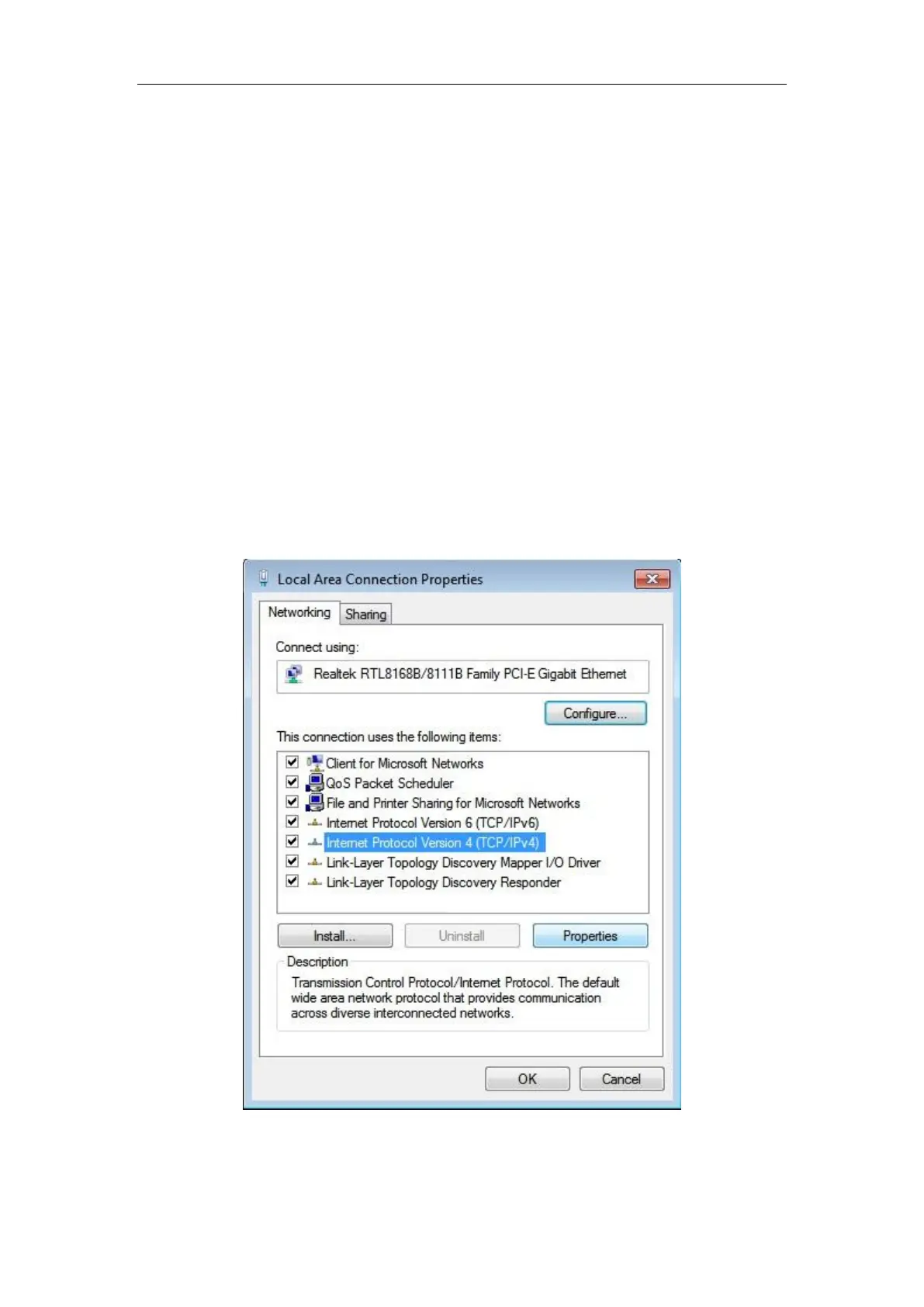
2. Double click on the "Network connections" icon, right click on "Local connection" and select
"Properties". In the "Local connection Properties"-> "This connection uses the following
items", check to see if TCP/IP is already installed, as shown in Figure A-1, and if there is
"Internet Protocol (TCP/IP)" option, this means that it is already installed:
Figure A-1 Network configuration window
3. If the TCP/IP is not installed, first install the TCP/IP, and select "Internet Protocol (TCP/IP)"



 To Next Page