Chapter 8 User Management
http://www.level1.com Page 76
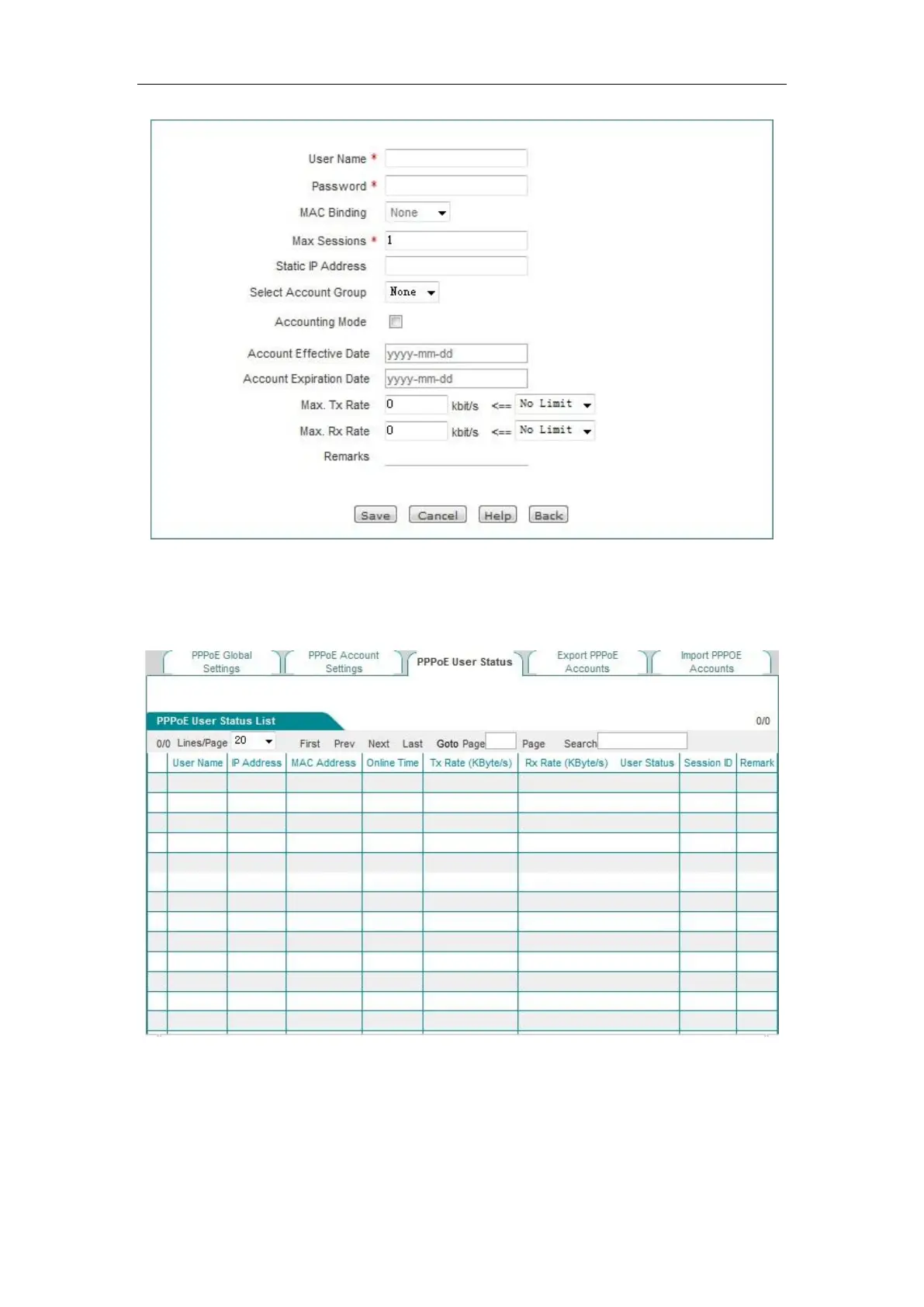
Figure 8_17 PPPoE account Settings
3) Repeat Step 2, and configure the account with the PPPoE user name as test2. Bind it with
10.0.0.2. Configure the account of test3, and set the maximum number of sessions for its
account to 5.
Figure 8_18 Instance - PPPoE User Status List
4) Configure the account expiration notification feature. Enter the Behavior management->
Electronic notification-> Account expiration notification page, to configure the account
expiration notification feature, here, the "Send days of expiration notification in advance" is
set to 15 days.
5) Create a client on the Intranet user's computer.



 To Next Page