http://www.level1.com Page 169
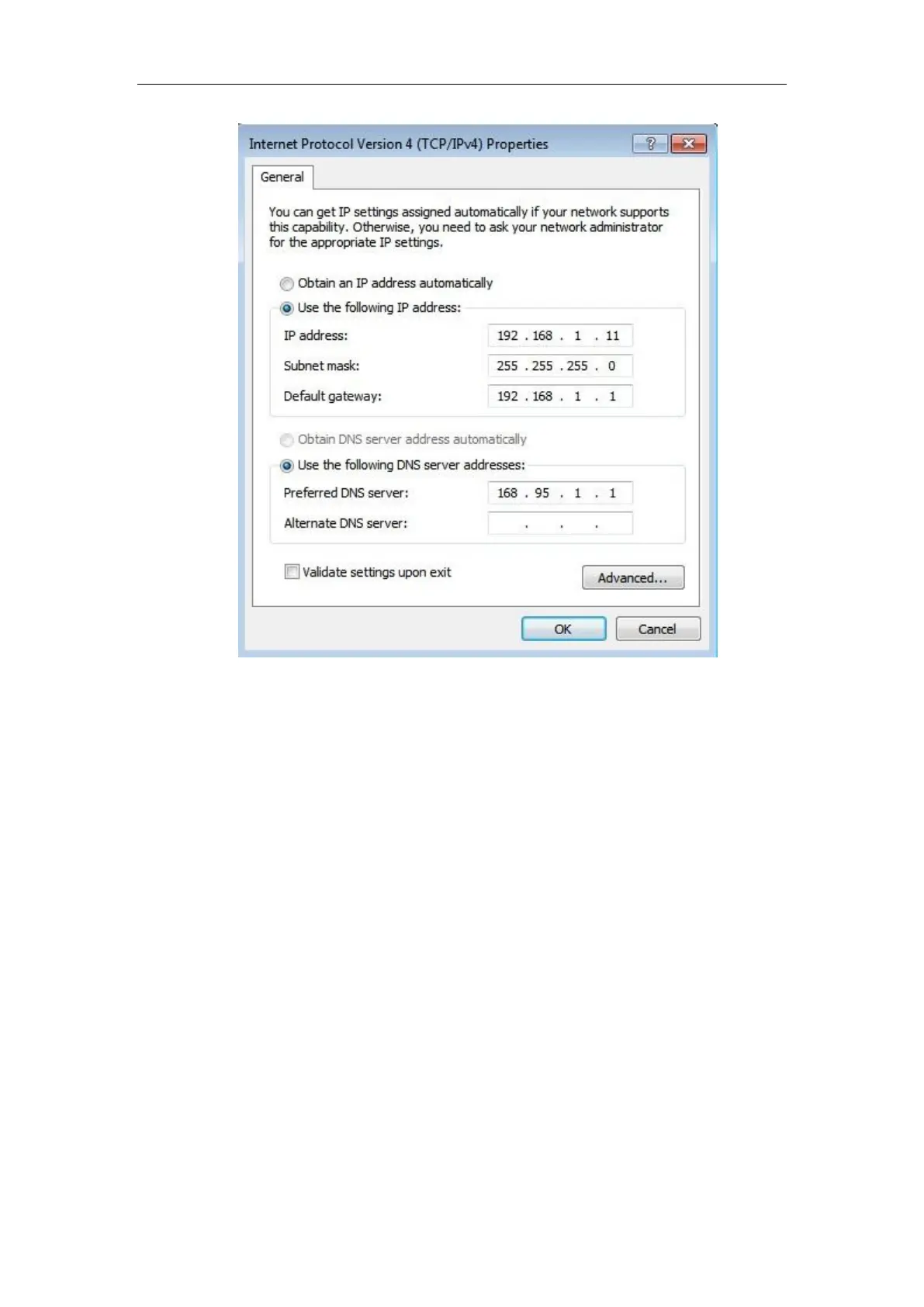
Figure A-2 TCP/IP properties IP address configuration window
Method II Setting IP addresses by the DHCP server
1. Before using this feature, you must ensure that the DHCP Server function is activated in the
Network parameters -> DHCP server of the device.
2. Click “Start” “Control panel”.
3. Double-click the "Network connections" icon, right-click the "Local connection", select
Properties, enter the "Local connection Properties" window, as shown in Figure A-1, select
"Internet Protocol (TCP/IP)" option in "This connection uses the following items" , and then
click the "Properties" bLeveloneon.
4. Enter the "Internet Protocol TCP/IP properties" window, as shown in Figure A-2, and select
"Obtain the IP address automatically" and "Obtain the DNS server address automatically" in
the General tab.
5. The above configuration is completed; click the "OK" bLeveloneon, to complete the
configuration of the TCP/IP properties.



 To Next Page