Chapter 8 User Management
http://www.level1.com Page 65
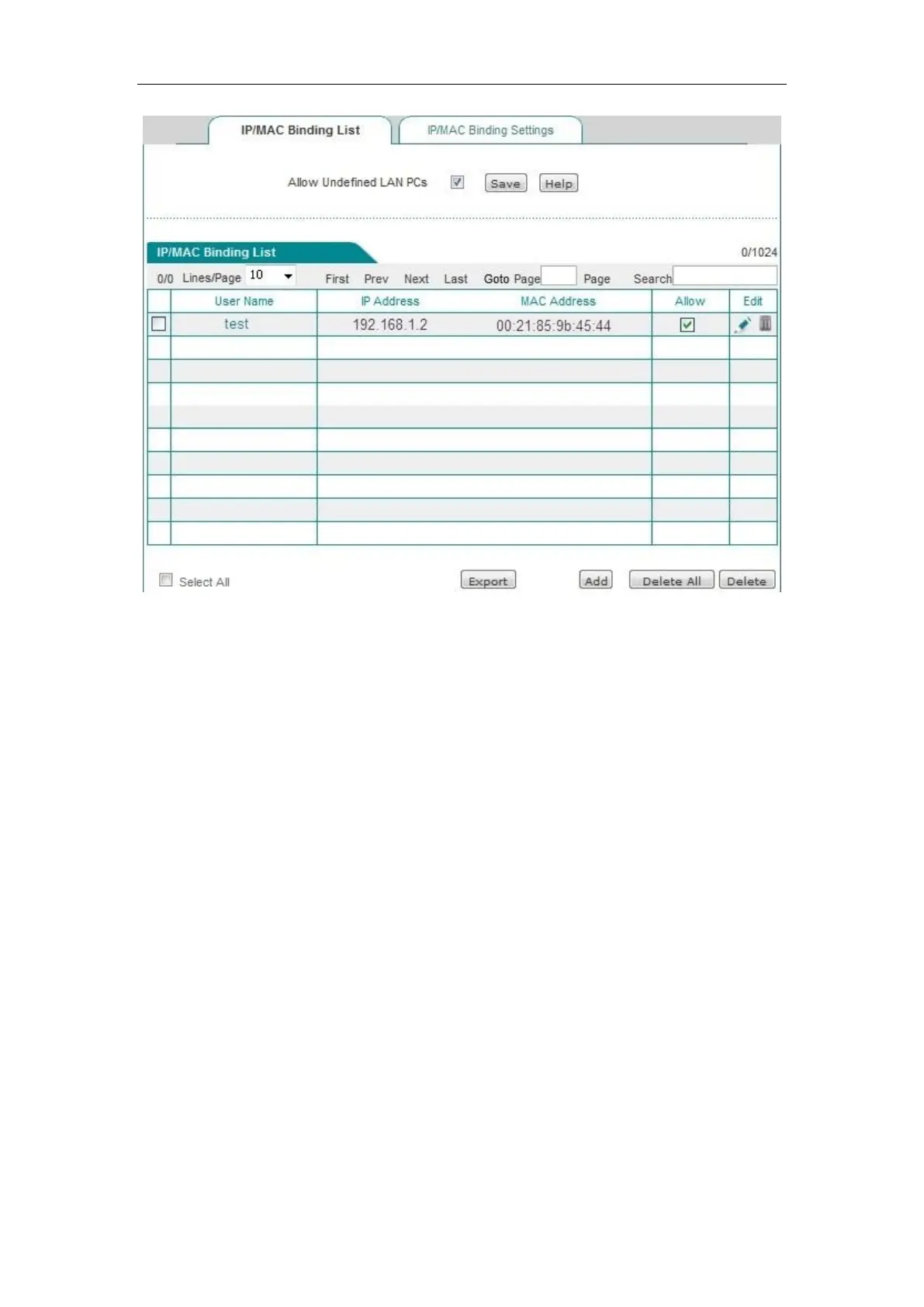
Figure 8_6 IP/MAC binding information list – Instance I
2. Configure "Black list" of Internet access for intranet users, following these steps:
First, specify the illegal user by configuring the IP/MAC binding entries, and there are two
methods:
1. Use the IP address of the host that is prohibited from Internet access and the MAC address of
any of the non-intranet adapter as the IP/MAC address binding pair, and add it into the
"IP/MAC-binding information list".
2. You can use the IP and MAC addresses of the host that is prohibited from Internet access as
the IP/MAC address binding pair, and deselect "Allow" (no "√" in the box), namely, to
prohibit the users that exactly match the IP/MAC address from accessing to the Internet.
Next, select the "Allow non-IP/MAC binding user to connect to the device", so that all other hosts
whose IP addresses and MAC addresses are not included in the "IP/MAC binding information list"
will be able to access the Internet.
For example, if you want to prohibit a host with the IP address (for example, 192.168.1.3) from
accessing and connecting to the device, you can add a IP/MAC address binding pair, enter the IP
address, and the MAC address is set to the MAC address of any non- intranet adapter, as shown in
the table below.



 To Next Page