Chapter 8 User Management
http://www.level1.com Page 71
User name: The user name of PPPoE dial-up users.
Enable: If the user is allowed to access the Internet. Checking it means allow.
Fixed IP address: Displays the IP address bound to that user name.
Charging mode: When the charging feature is enabled, the "by date" will be displayed (which
currently supports charged by date).
User status: The using status of the user will be displayed after the charging feature is
enabled, including: normal, to be expired, expired.
To be expired: This parameter is controlled through "Account Days Remaining" in the
account expiration notification feature (Here, the account expiration notification feature,
please go to Behavior management -> Electronic notification page for configuration).
Expired: Means that the account is not in the effective date of account.
Date of account opening, date of account disabling: When the charging feature is enabled, the
effective date of the account will be displayed.
Upload rate limit, download rate limit: The maximum upload and download rates of PPPOE
(0 means unlimited rate).
Maximum number of sessions for account: Displays the number of users who can
simultaneously use the account for PPPoE connection.
MAC address: Displays the MAC address bound by the account.
Upload rate limit, download rate limit: Sets rate limit in batch for the accounts checked in the
PPPoE account info list (0 means unlimited rate).
Rate limit: Click on this bLeveloneon, to bring the upload speed, download rate limit in
force.
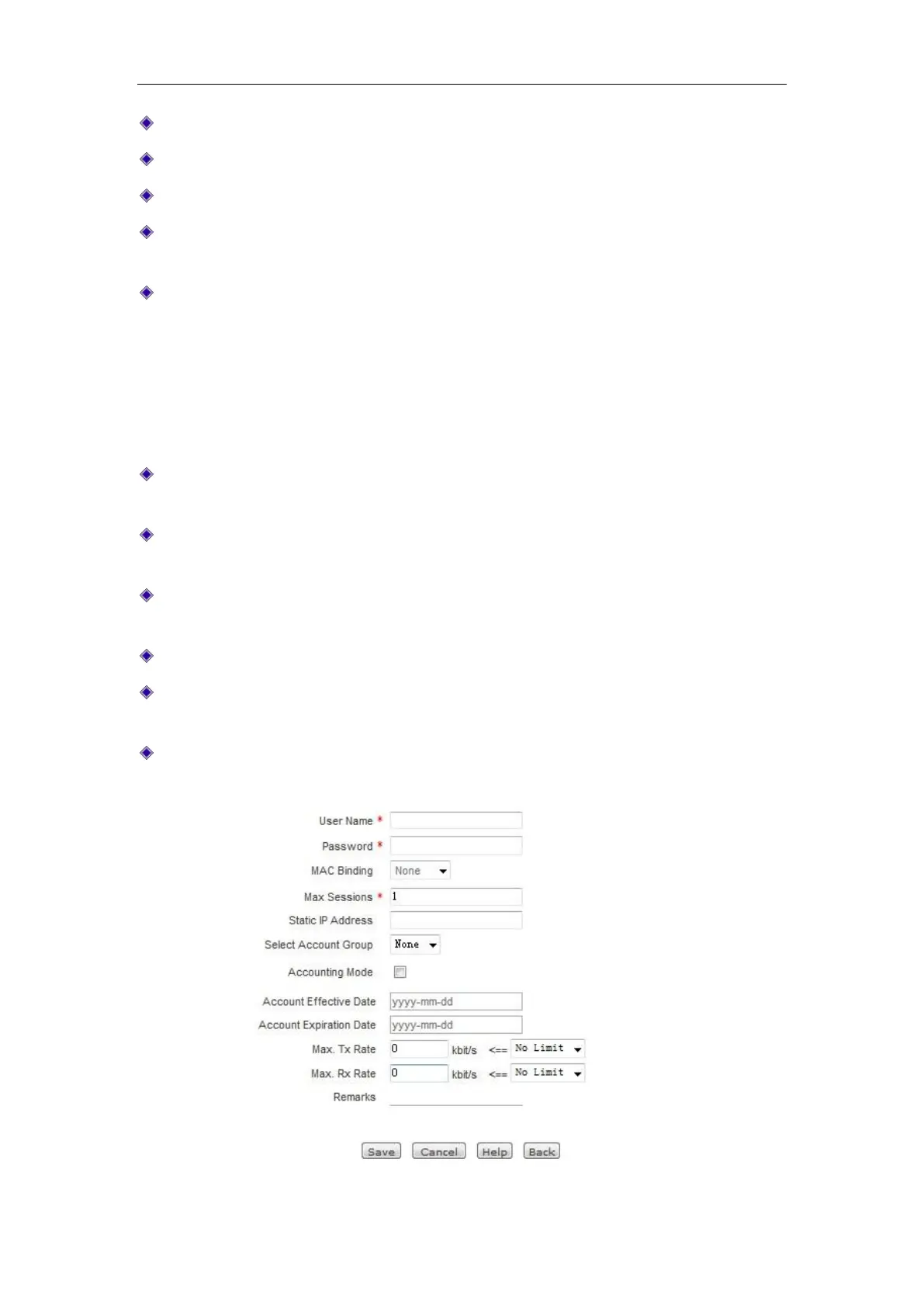
Figure 8_12 PPPoE account settings



 To Next Page