iPonic 624® Manual PN 995-1124-00
Use the Navigation Menu to
highlight a selection. Press OK to
confirm the selection. The center
of the Navigation Menu is NOT a
button. If an alphanumeric field is
highlighted, the Navigation
Menu can increase or decrease
the value of the entry or move
between the options on the screen.
The Home button always takes you
back to the Main status screen. If
changes have been made, you will
be prompted to save the data.
Pressing CANCEL in the middle
of an entry will bring you back
to the previous level without
making any changes.
Pressing OK will prompt the
system to accept the selected
MENU entry or save your data.
The BACK button will take you up
one level. You will be prompted to
save data if needed.
Control Panel
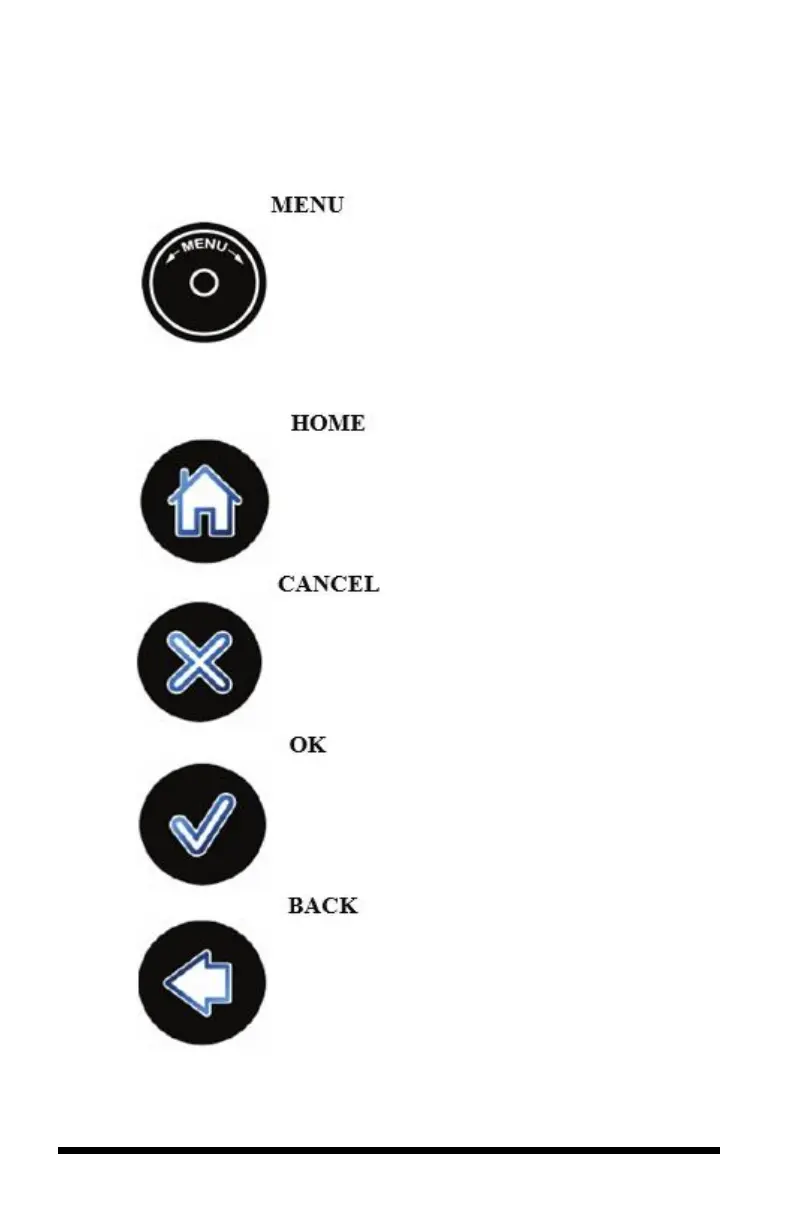
The iPonic 624 controller has a Navigation Menu and four (4) Soft Buttons (HOME,
CANCEL, OK, and BACK). Their functions are as follows:
Use the Navigation Menu to
highlight a selection. Press OK to
confirm the selection. The center of
the Navigation Menu is NOT a
button. If an alphanumeric field is
highlighted. The Navigation Menu
can increase or decrease the value of
the entry or move between the options
on the screen.
The Home button always takes you
back to the Main status screen. If
changes have been made, you will be
prompted to save the data.
Pressing CANCEL in the middle of
an entry will bring you back to the
previous level without making any
changes.
Pressing OK will prompt the system
to accept the selected MENU entry or
save your data.
The BACK button will take you up
one level. You will be prompted to
save data if needed.



 To Next Page