iPonic 624® Manual PN 995-1124-00
By default, your iPonic 624
controller has 4 outputs assigned
for Room 1 and 4 outputs
assigned for Room 2. If Room 1
needs more outputs than Room 2
or vice versa, you can change the
outputs room assignment as well
as the type of equipment used as
described above.
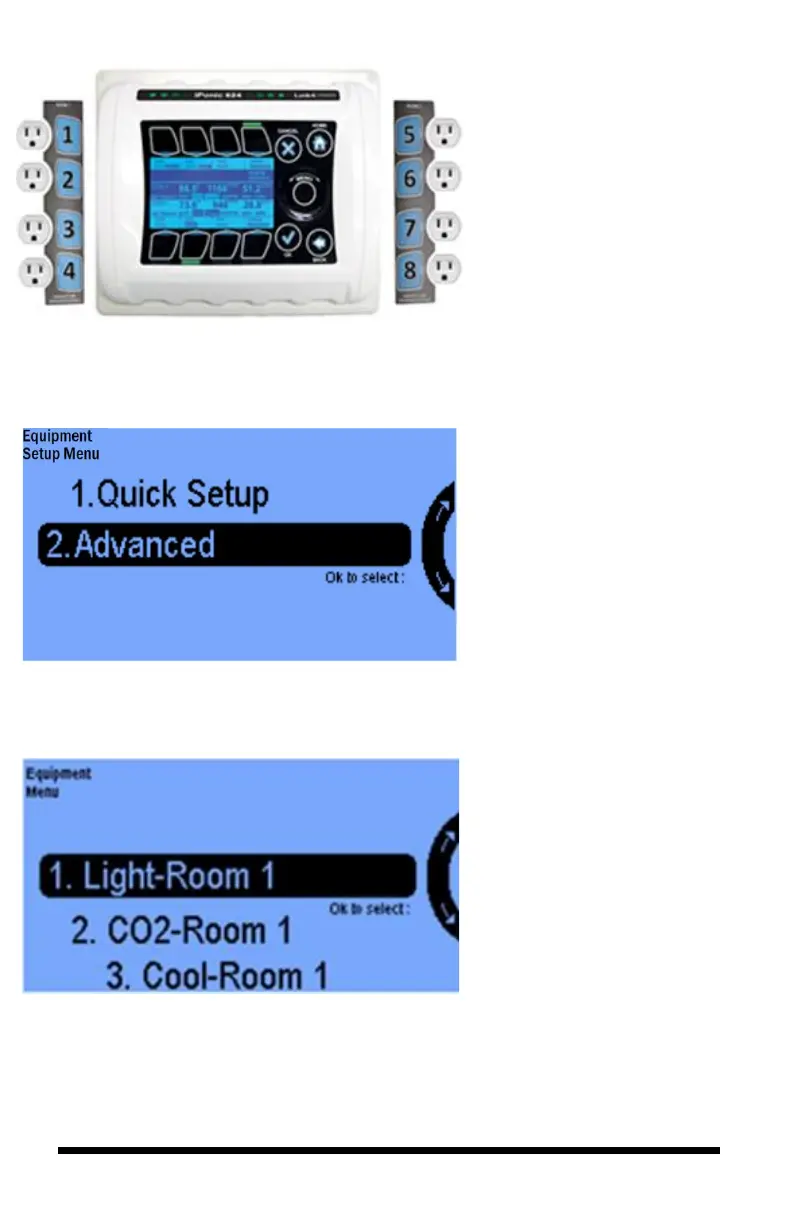
Selecting the Advanced option
opens the following screen:
When you are programming your
iPonic for the first time and if your
controller was not factory pre-
programmed to your specific
equipments, then you will see
a screen as follows:
Scrolling through this
Equipment Menu Screen you
will see the default equipments
for the 8 channels. Four for
Room 1 and four for Room 2.
These correspond to the Quick
Start equipment table show
above and match the 8 outlets of
the iPonic 624 controller.
Use the Menu Wheel to select
Light for Room 1 and press OK.
This will take you to the
following screen.
P
r
e
s
s
i
n
g
1



 To Next Page