iPonic 624® Manual PN 995-1124-00
3.2 SYSTEM SETUP Menu ─ Sensor Setup
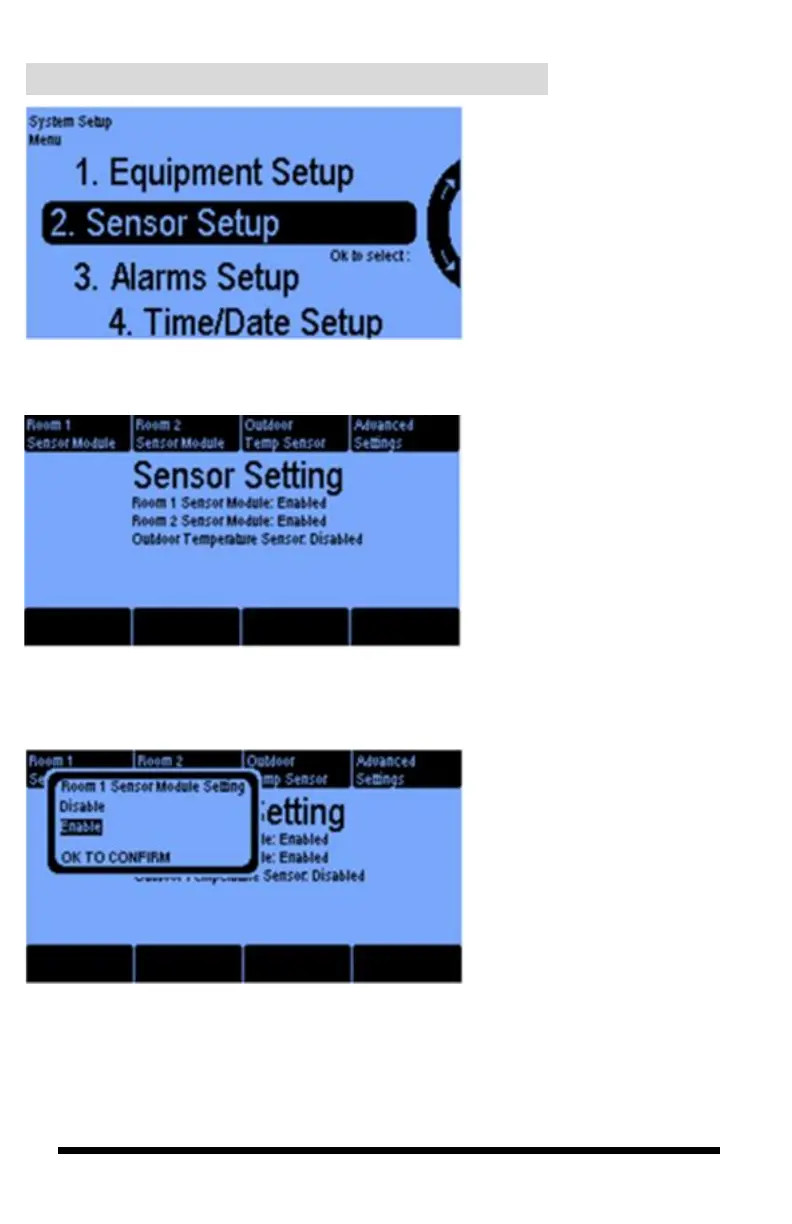
Sensor Setup is where you tell
your controller what sensors
you have connected and what
kind.
It is also where you can
calibrate your sensors.
Selecting 2 above gives you this
Sensor Setting screen. The first
three buttons let you enable or
disable the sensor module for each
of the two rooms and the outdoor
temperature sensor.
Pressing buttons 1, 2 and 3 bring
up screens similar to the Room 1
Sensor Module screen shown here.
If you have the sensor module and
it is connected, select the Enable
option. Otherwise, leave it
disabled.



 To Next Page