iPonic 624® Manual PN 995-1124-00
This is an analog temperature
sensor that can be used for
outdoor temperature readings.
You will need to wire the Link4
to this sensor to one of the
controller’s Analog inputs.
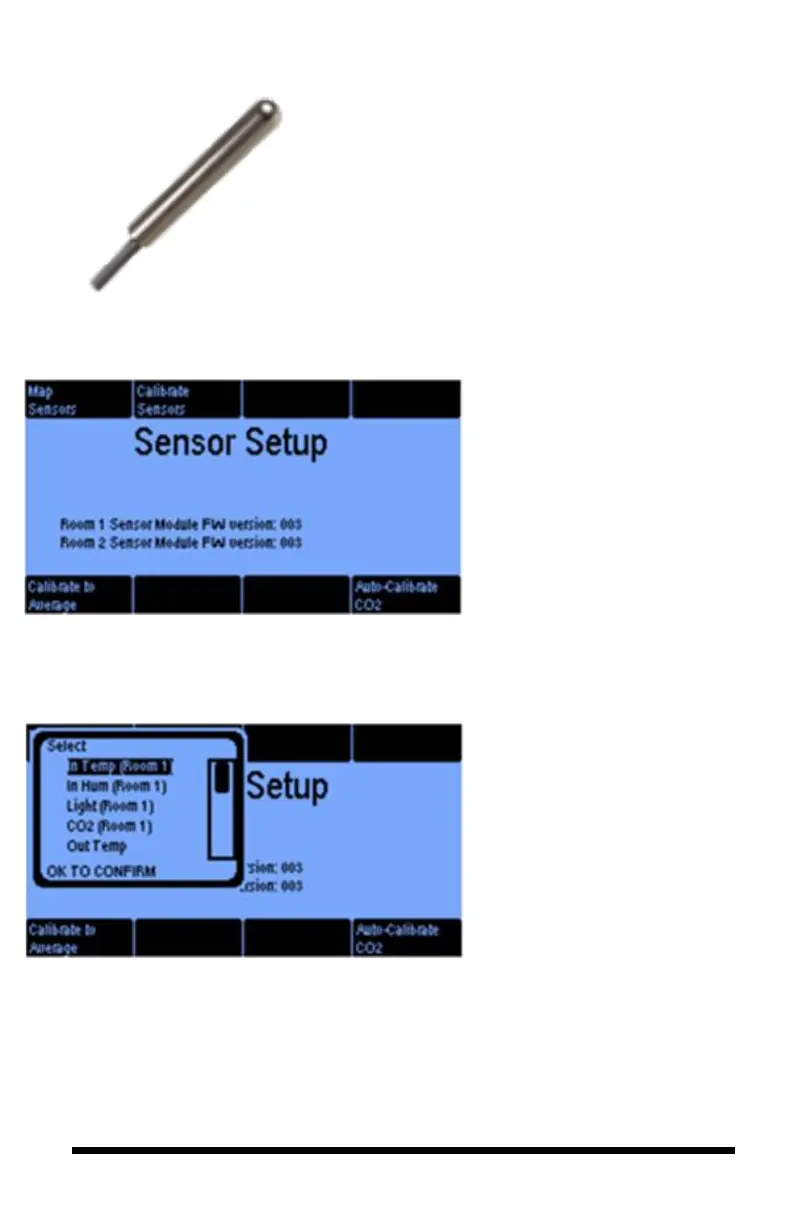
When you press button 4 of the
Sensor Setting screen (Advanced
Settings), you will get this Sensor
Setup screen that enables you to
Map your sensors, Calibrate,
Calibrate to Average and Auto
Calibrate your CO
2
Sensor.
Pressing the Map Sensors button
lets you manually assign sensors
to inputs on your iPonic 624
controller. Use the Menu Wheel
to highlight the sensor to be setup
and select OK.



 To Next Page