iPonic 624® Manual PN 995-1124-00
1.4 SETPOINTS Menu ─ Light Setting
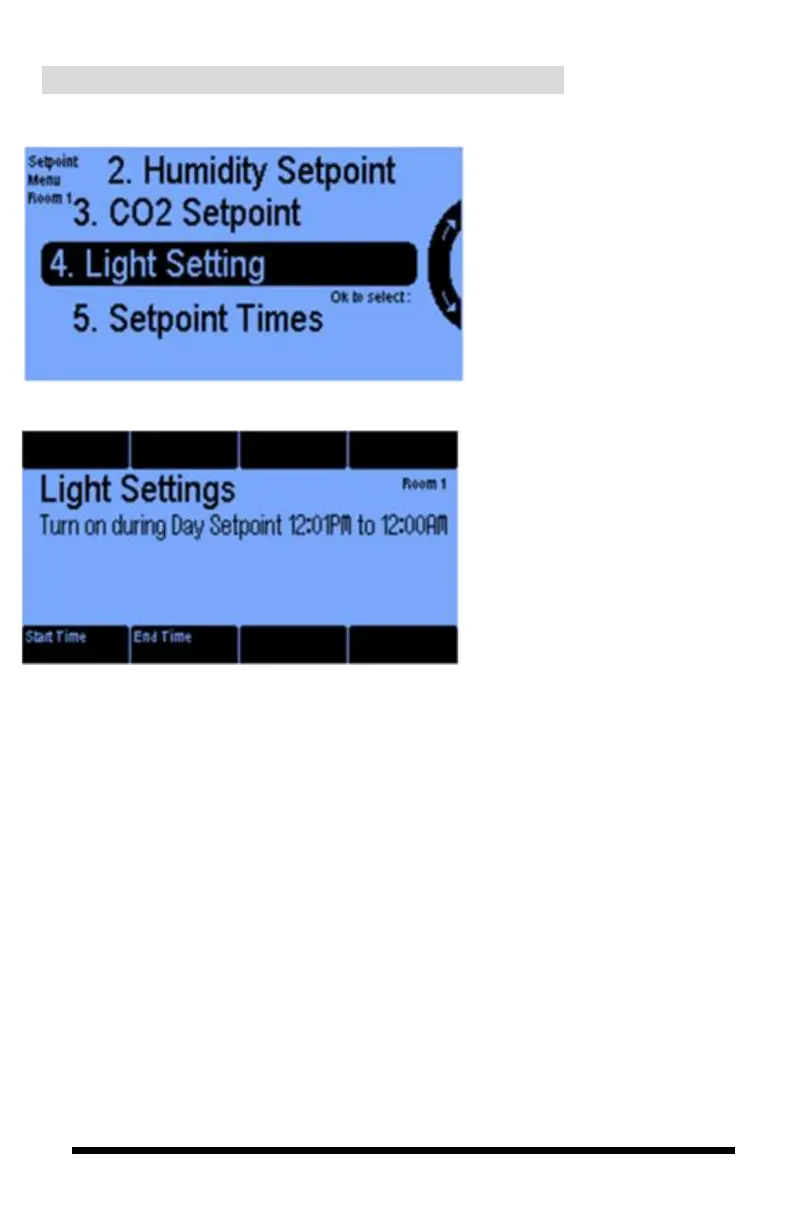
In the Setpoint Menu, select the
Light Setting to control the
lighting sources in the selected
room.
Once selected, you get this screen
where you can configure the Start
Time to turn the lights on to initiate
the daytime period. To turn the lights
off, you can configure the End Time
to initiate the nighttime period.
Note 1: The Start Time and End
Time set here will become the
same as the Start and End times
for temperature, humidity, CO2
control.
The start time determines:
When the Day setting begins and
similarly, the End Time
determines when the night
setting begins.
Note 2: During the Night time
period the lights will
automatically be OFF.



 To Next Page