iPonic 624® Manual PN 995-1124-00
1.1 SETPOINTS Menu ─ Temperature Setpoint
1.0 Main Menu — SETPOINTS
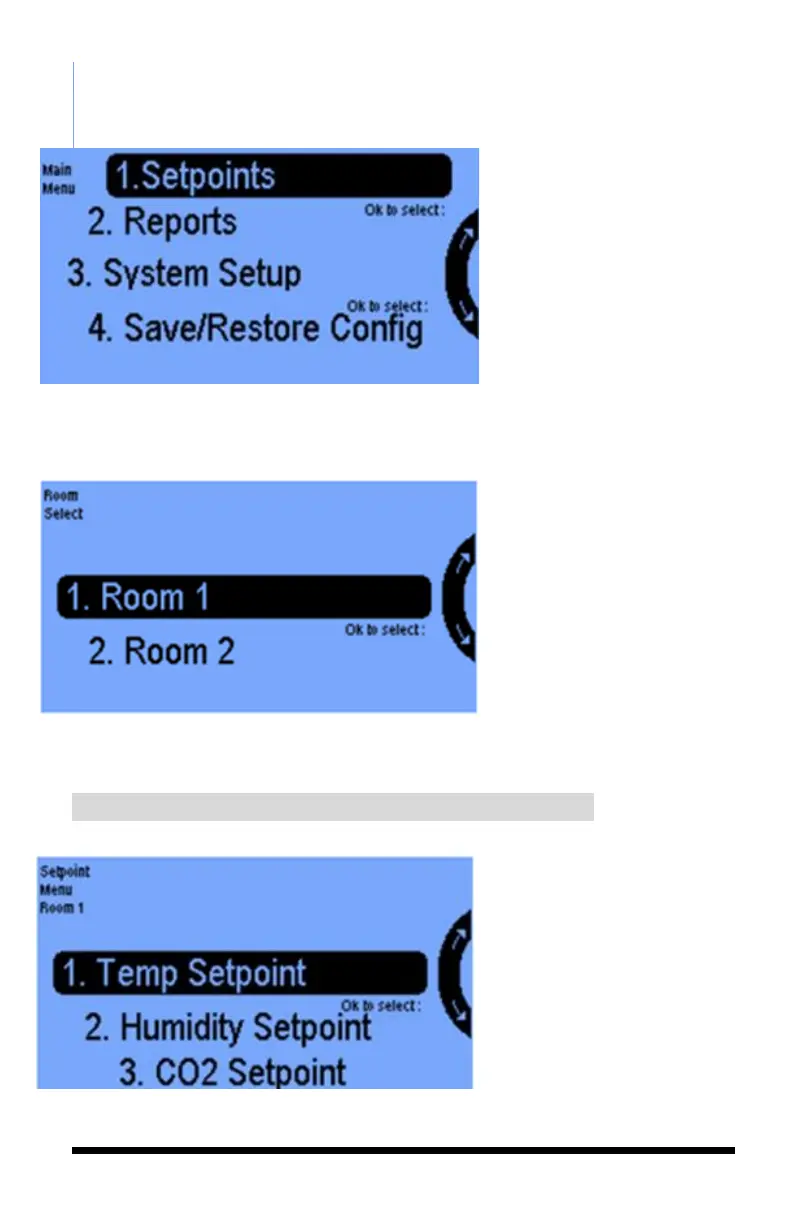
From the 4 selections on the Main
Menu, select 1. Setpoints by
pressing the OK button.
Select a room to program,
then press the OK button.
Once you select the room,
you have 5 setpoint options:
1.Temperature Setpoint
2.Humidity Setpoint
3.CO2 Setpoint
4.Light Setting
5.Setpoint Times
Select the Temperature
Setpoint option. By pressing
OK you will get the next screen.



 To Next Page