iPonic 624® Manual PN 995-1124-00
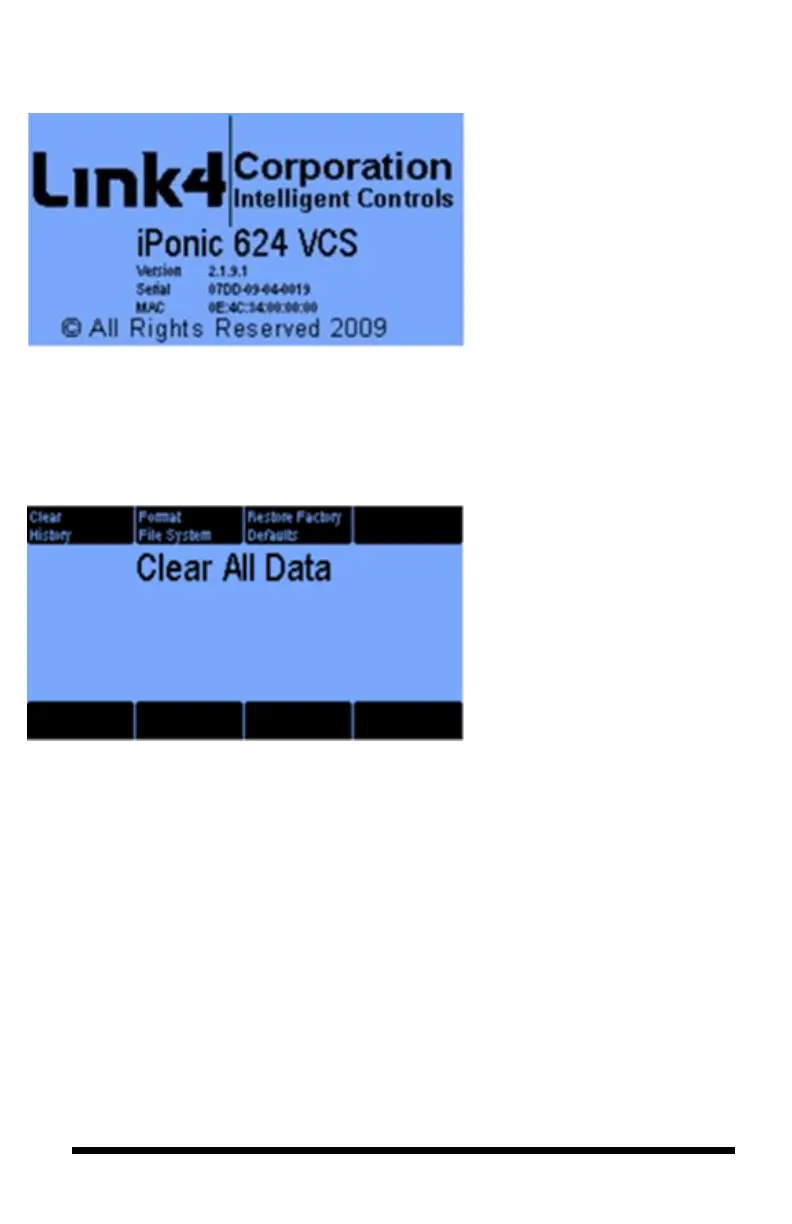
3.5.2.2 Controller Version
Advanced Setup — Button #2
The Controller Version is the
same screen that appears when
your unit is activated. It contains
important information about your
iPonic 624 controller, including:
- Firmware Version
- Serial Number and Mac
Address
Advanced Setup — Button #3
You have 3 options after pressing
the Clear Data:
1. Clear History,
2. Format File System,
and
3. Restore to Factory
Defaults.
When restoring to factory
defaults, you can also enable and
rerun the Startup Wizard.
Advanced Setup — Button #4
The Bootload option (button 4) is
used when you update your iPonic
624 controller with Link4’s latest
software.
The instructions for this option are
on page13.



 To Next Page