iPonic 624® Manual PN 995-1124-00
3.1 SYSTEM SETUP Menu ─ Equipment Setup
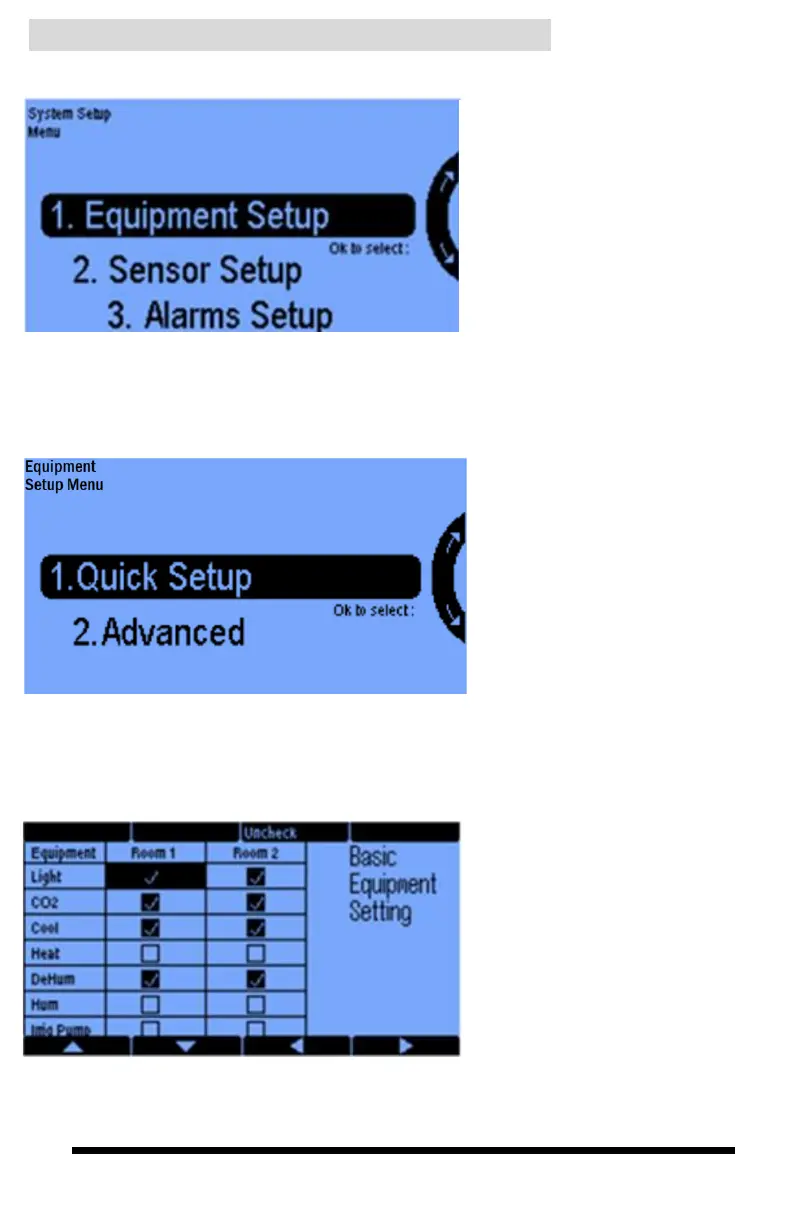
The Equipment Setup option is
where you identify the equipment
you have connected to each of the
controller ports (outlets) that you
will be using. It is also where you
program the way you want to use
the equipment to achieve your
control objectives.
Selecting 1 gives you two options:
Quick Setup and Advanced.
Quick Setup lets you link the
iPonic outputs to particular
equipment types for control of the
two rooms.
The Advanced option is more
detailed and flexible. This is where
you program equipment, set
overrides, and customize the
equipment names that will be
displayed on your front screen.
Selecting 1. gives the following
screen.
This Basic Equipment Setting
screen for the Quick Setup begins
with the factory defaults shown.
You can select the equipment that
you actually have from the list by
using the navigation cursor buttons
at the bottom of the screen and then
checking or unchecking the
highlighted position using Soft
Button #3.
You have a maximum of 8 boxes
you can check between the 2
rooms. This corresponds to the 8
outlets of the iPonic.



 To Next Page