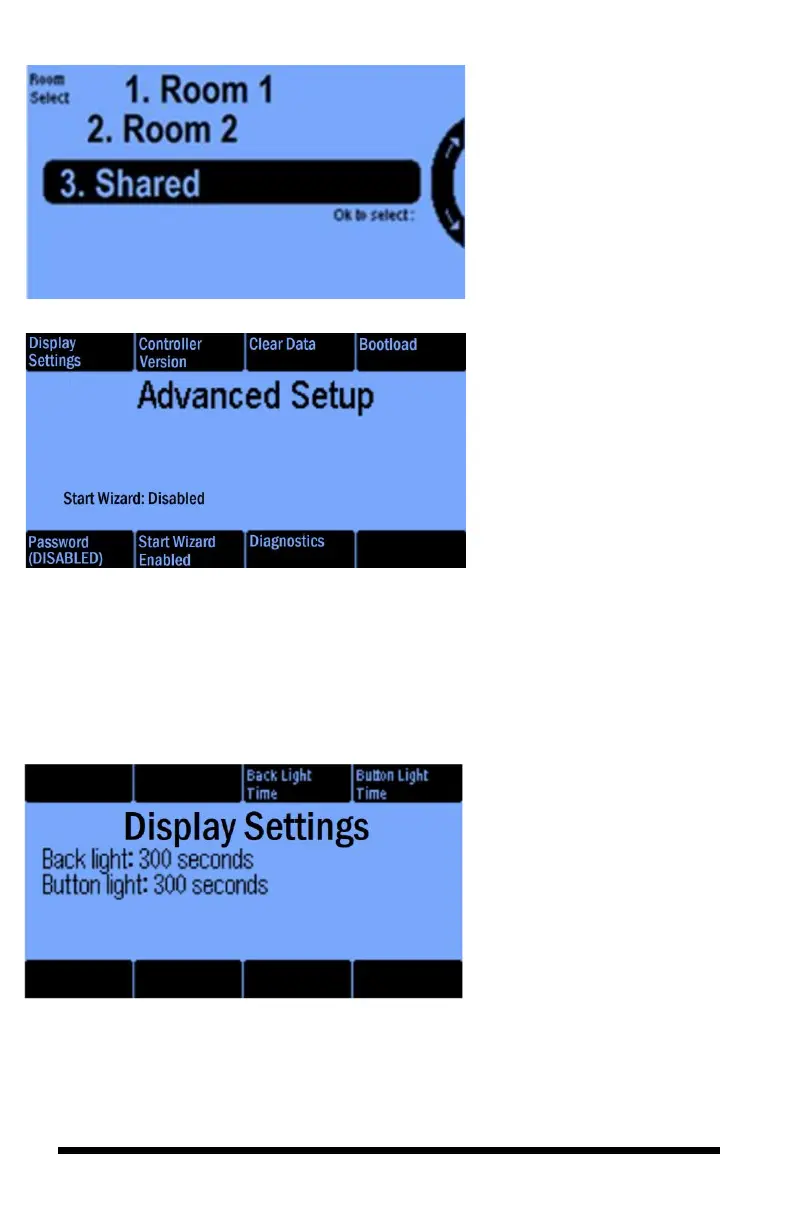
This Advanced Setup screen lets
you configure a variety of settings
on your iPonic 624 controller.
They are:
• Display Settings
• Controller Version
• Clear Data
• Boot load
• Password
• Start Wizard
• Diagnostics
Advanced Setup — Button #1
In this Display Settings screen,
you can use the Back Light Time
(button 3) and the Button Light
Time (button 4) to adjust the
length of time you want the
screen and/or the buttons to have
the backlighting on.



 To Next Page