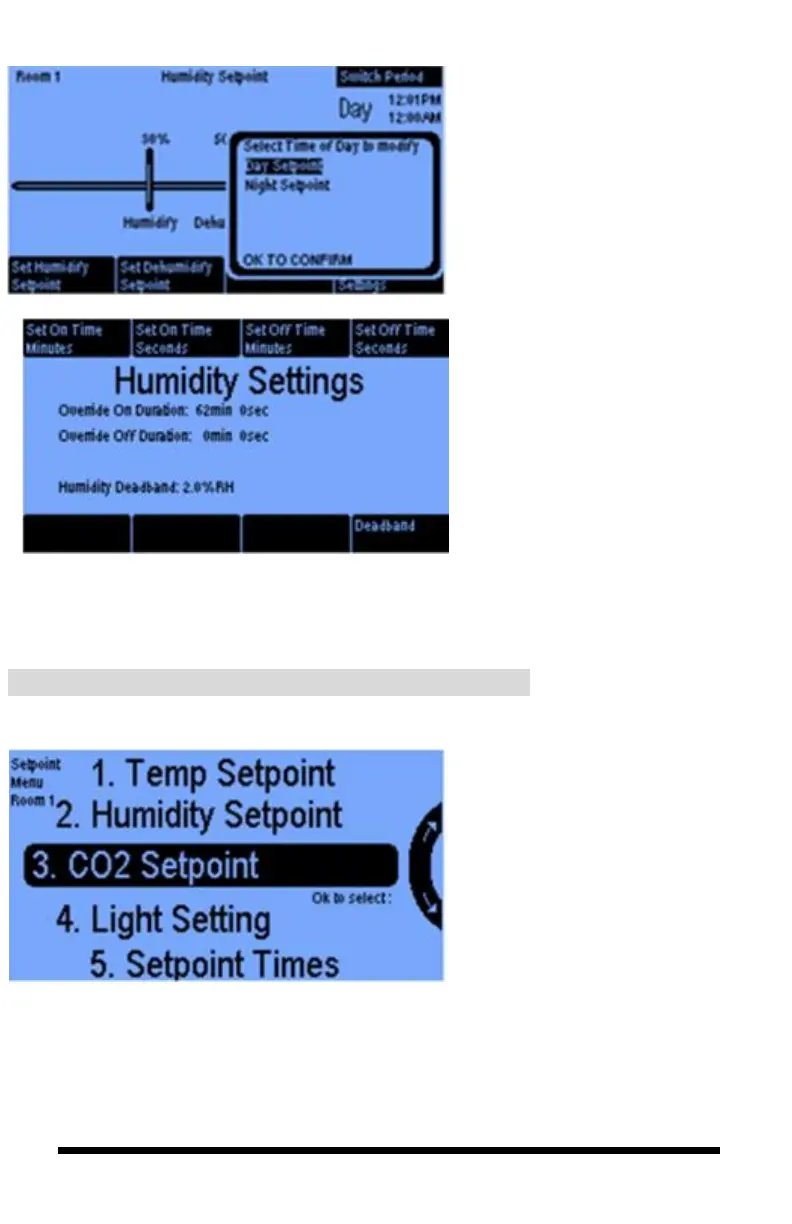
With the Switch Period option,
you can program separate
Relative Humidity setpoints for
your day and night periods.
When you press the Humidity
Settings button (#8 above), you
can set an On Time and an Off
Time in minutes and seconds to
create a cycle. By carefully
selecting ON and OFF times, you
hopefully can avoid overshooting
your humidity target. If you want
your equipment to run continuously
until your setpoints are reached, set
the Off Time to 0 minutes 0
seconds. Selecting the Deadband
button lets you set the humidity and
dehumidify deadband. See page 19
for a more detailed discussion.



 To Next Page