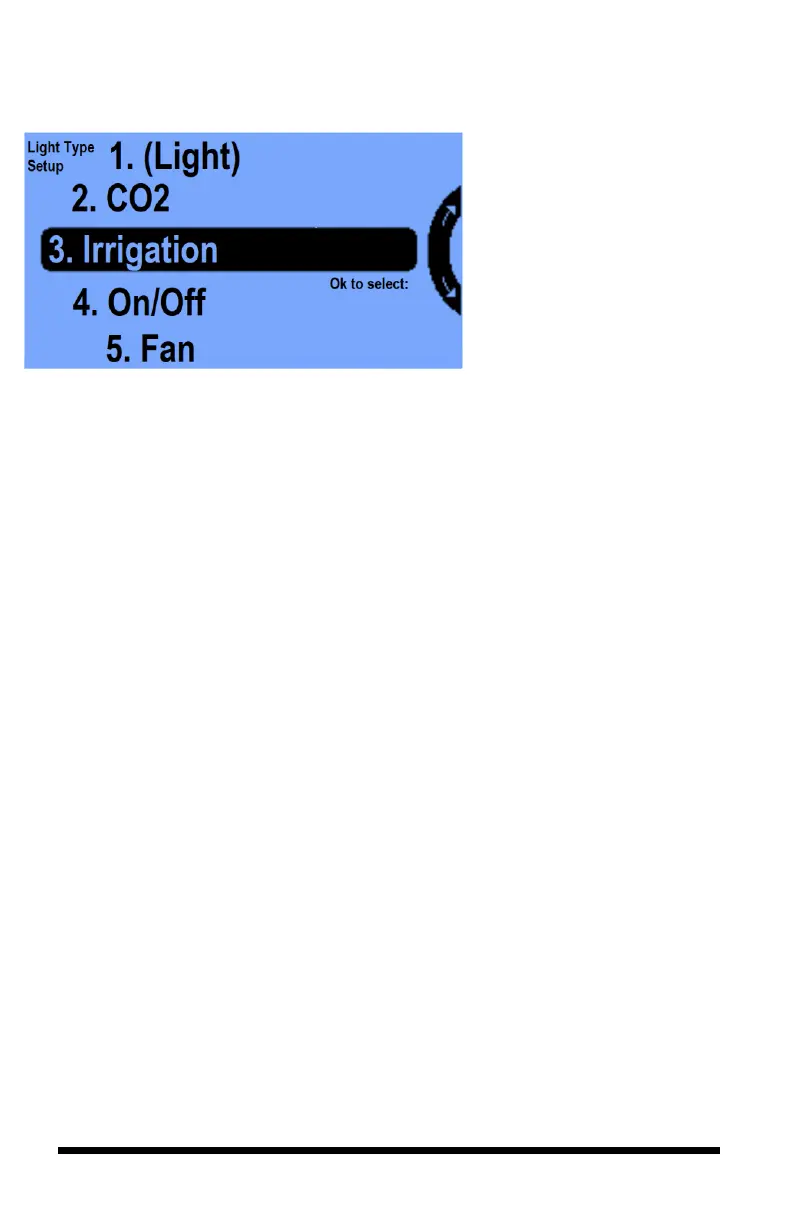
When you go back to the “Initial
Settings Light” screen and press
the Set Type you will get this
screen.
Notice that there are parentheses
around (Light). This indicates the
equipment type of the output with
which you are working. In this case
(looking back at the Equipment
Menu) it is output 1 (Light in
Room 1).
This list has 7 different equipment
types. You can assign any one of
these equipment types to any of the
outputs based on how you have
connected your equipment to your
outputs.
A description of the equipment types is shown below:
1. Light – with different modes and multiple
bank control.
2. CO2 – used as a tank or generator with
normal or fuzzy logic control.
3. Irrigation – runs an irrigation cycle, turning
it On and Off between a start and end time
within a 24-hour period.
4. On/Off - for Temperature and Relative
Humidity control.
5. Fan – for Temperature, Relative Humidity
control, and Air Exchange. It temporarily
turns CO2 off when running.
6. AC - to be utilized for Temperature and
relative Humidity control.
7. Alarm - this output can be programmed to
trigger an onsite Alarm if High/Low CO2,
Temperature, Relative Humidity values go
beyond your set alarm thresholds.



 To Next Page