iPonic 624® Manual PN 995-1124-00
We will now go through an example
where we will change the first
output from a light to an On/Off
device for controlling temperature or
humidity.
Go back to Equipment Setup,
select Advanced.
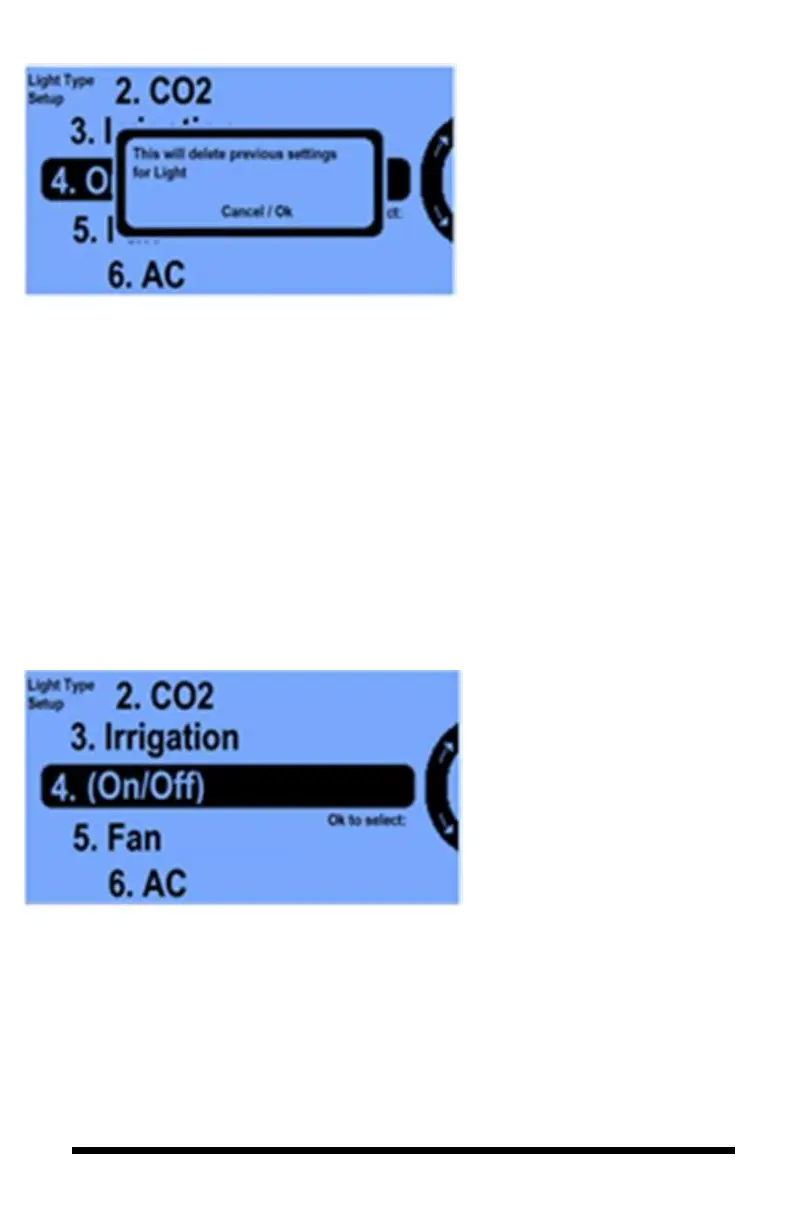
Use the Menu Wheel to highlight
On/Off and select OK. A
confirmation banner will pop-up
to confirm the change, select OK.
You will see this screen. When you
Press OK you will get the next
screen.
You now see the parentheses on
the On/Off indicating that this
output is now programmed to be
an On/Off equipment type
device.
You then need to press Home to
save your On/Off selection. Then
go back to the System Setup,
Equipment setup, Advanced and
select the highlighted Channel.
You will then get the following
screen:



 To Next Page