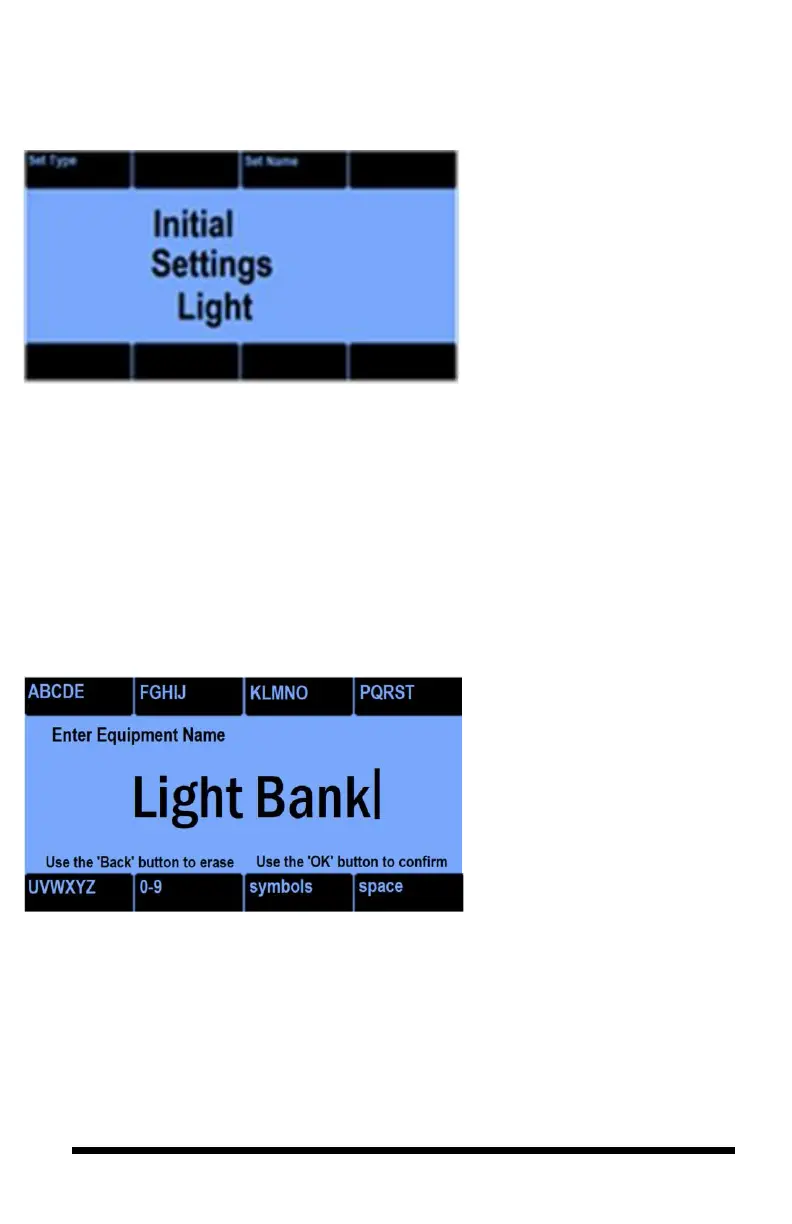
Going back to the Equipment
Settings screen for light and
selecting the Initial Settings button,
you will get this Initial Settings
Light screen.
In this screen, you have a Set Type
(button #1) and a Set Name (button
#3)
If you press the Set Type button,
you will be able to change the
output from controlling light to one
of the other 6 options. (More on
this below) If you press Set Name,
you will get the following:
For this example, we will name the
output Light Bank. Select OK to
confirm the change and return to the
Initial Settings screen. Press Home
and save your settings.



 To Next Page