iPonic 624® Manual PN 995-1124-00
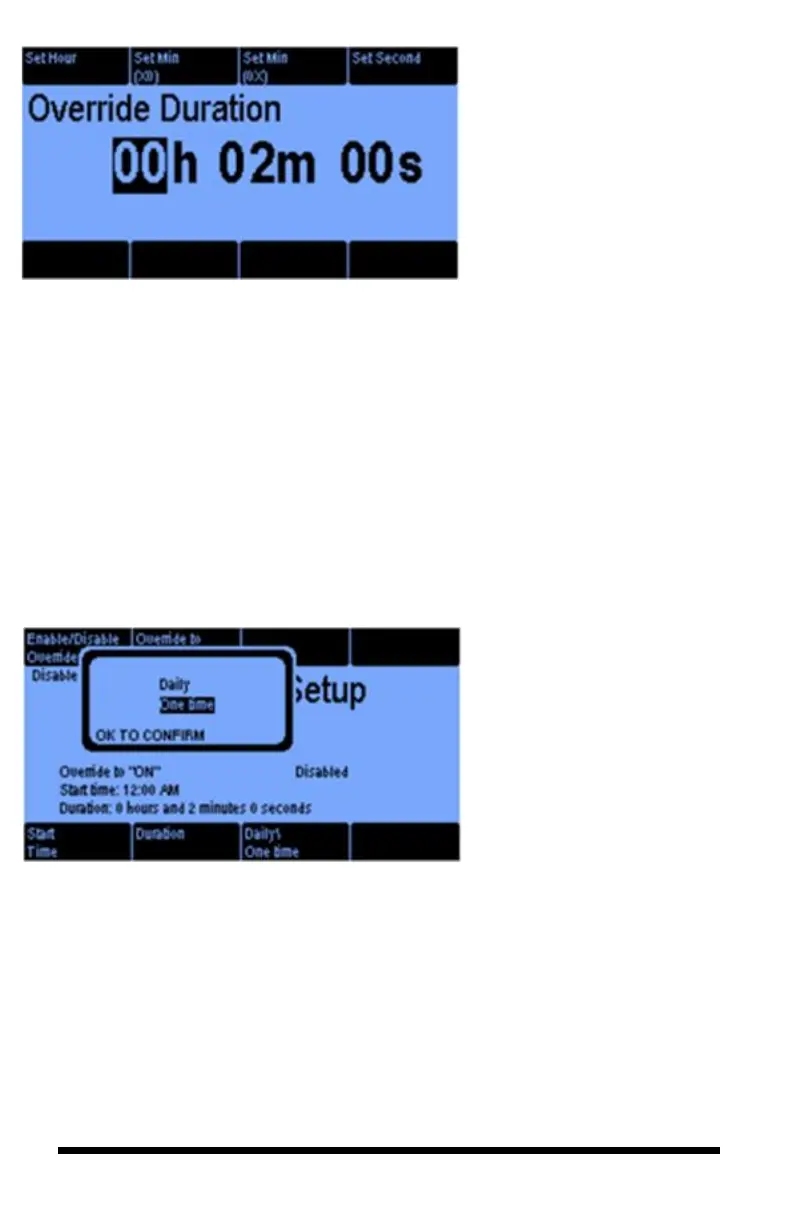
Selecting the Duration button #6
on the previous screen gets you
this screen:
The Override Duration can be
programed from hours to seconds
Going back to the Override
Setup screen and assuming you
selected the Enable option
(Button 1), then when you select
the Daily’s/OneTime (button 7),
you will see the following
screen:
This is where you select
whether to have the override on
a Daily basis or One Time
only. For one time only, the
Override will default to
Disabled at the end of the
duration. Once the output has
been overridden, the indicator
on the front screen will change
from AUTO to either ON or
OFF depending on your
selection.



 To Next Page