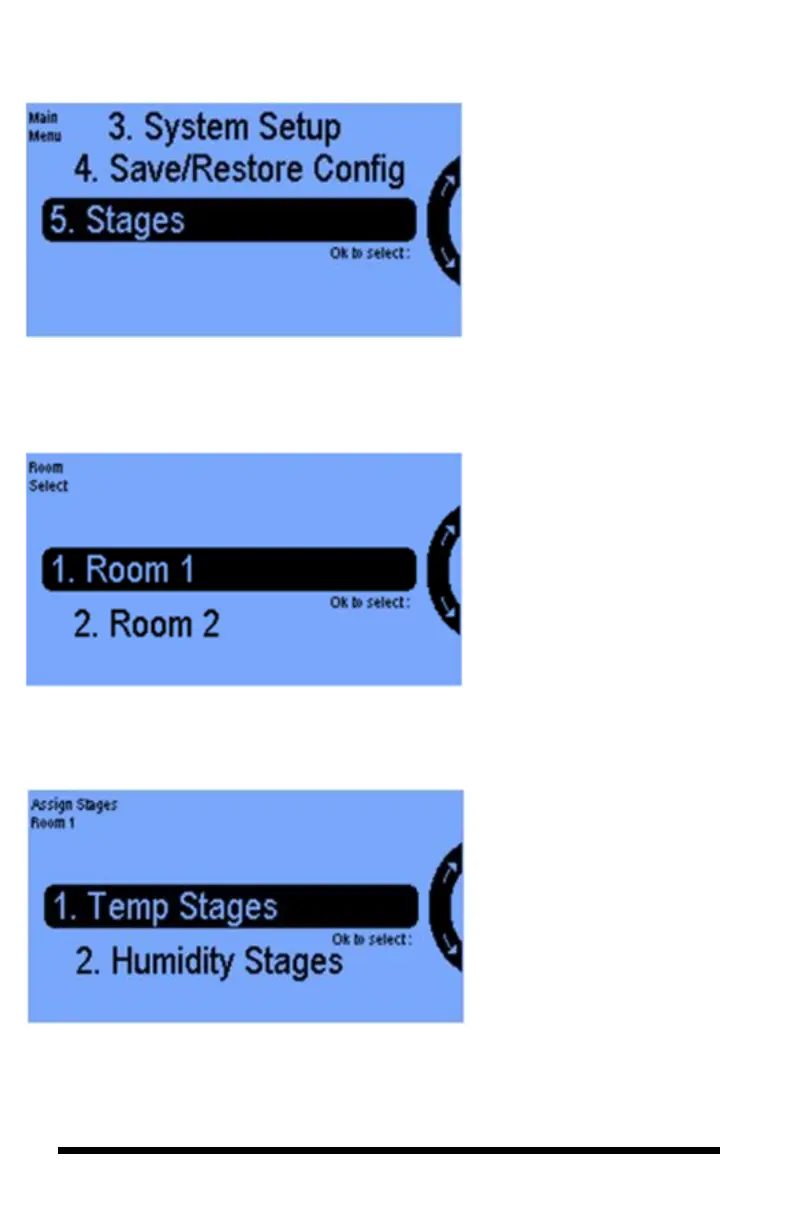
The use of more than one
temperature or humidity Stage
with your controller is optional.
This feature is normally hidden
unless you have activated it in the
Advanced Stage Settings screen.
You get there by selecting
“System Setup” from the Main
Menu then “Advanced” and
Room 1 or Room 2, them “Add
Stage Settings” (button 6.)
Selecting 5 Stages is where you
assign equipment to particular
cooling, heating, humidification
and dehumidification stages.
You can set up to a maximum
of 6 cooling and 2 heating
stages. These numbers of
stages are set in the Advanced
Stage Settings screen
described above.



 To Next Page