iPonic 624® Manual PN 995-1124-00
3.5.1.3 Advanced Room 1 or Room 2 — CO2 Settings
3.5.1.2 Advanced Room 1 or Room 2 — Temperature Settings
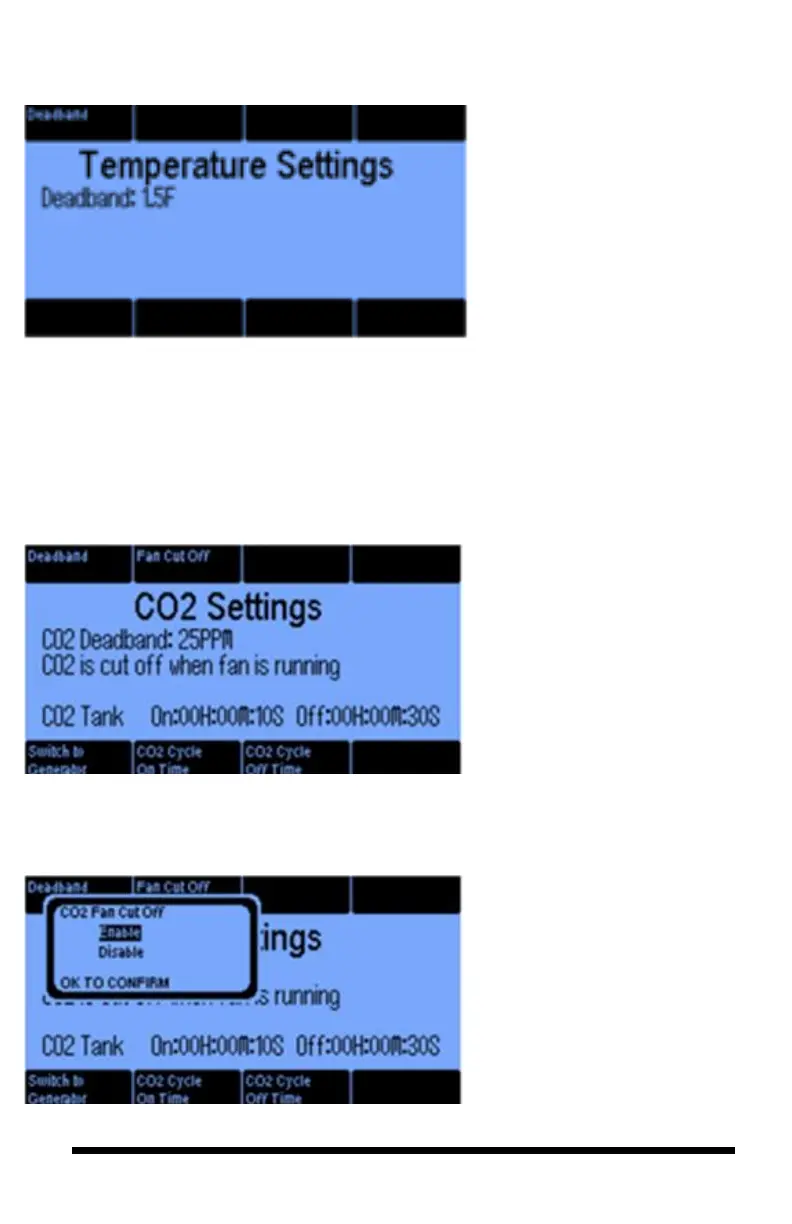
The Deadband can be set to
prevent frequent temperature stage
changes. The Stage Width is the
number of degrees the temperature
must change before going to the
next stage. The smaller the
number, the tighter the temperature
control, but the more the
equipment goes on and off. The
OutTemp override threshold
(Button #3) only appears if you
have an outdoor temperature
sensor. In this case, you may want
to set a low outdoor temp threshold
below which you will not let the
Vent Fan turn ON.
The CO2 Settings screen lets you
set a Deadband to minimize the
on and off frequency of the
equipment. The Fan Cut Off is
explained with the next screen.
The controller supports two types
of CO2 injectors. One is a tank, the
other a CO2 generator. Button 5
lets you switch between the two. If
you are using a tank, then you have
the option of using a cycle timer
(buttons 6 & 7) to minimize the
CO2 overshoot.
To prevent waste, your CO2
equipment will not run when the
CO2 Fan Cut Off option is
enabled and the fan goes on. The
Fan Cut Off feature only responds
if your fan is a Vent Fan
equipment type.



 To Next Page