iPonic 624® Manual PN 995-1124-00
As you will see, there are more
options for On/Off equipment
types.
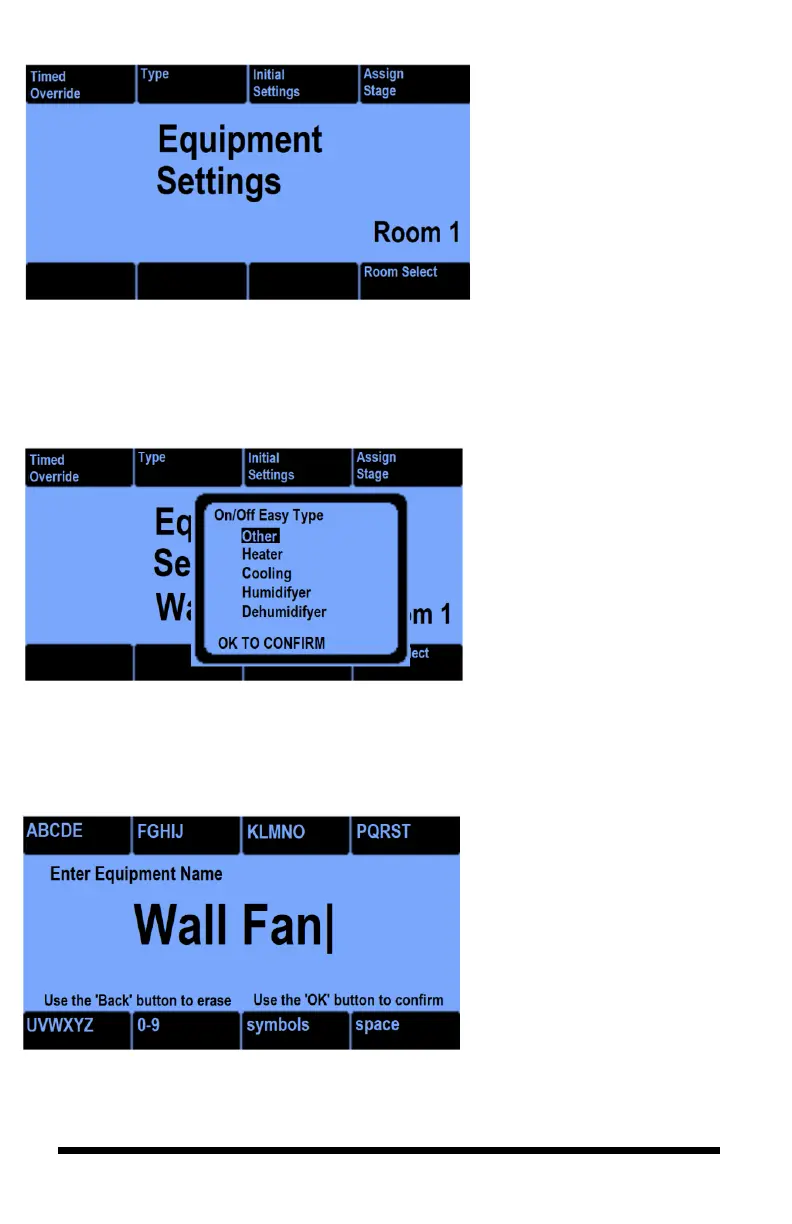
If you select the type button 2,
you get the next screen.
The Type option screen will
give you choices for the
On/Off device where you can
assign it for Heat, Cool,
Humidify, and Dehumidify
stages.
For example, the On/Off
output might be a heater or a
fan for cooling, or perhaps a
humidifier for humidity
control.
As we saw above, if you select
the “Initial Settings” button
#3, you can change the name
for your output which will then
appear on your front screen.



 To Next Page