Using the Mouse6
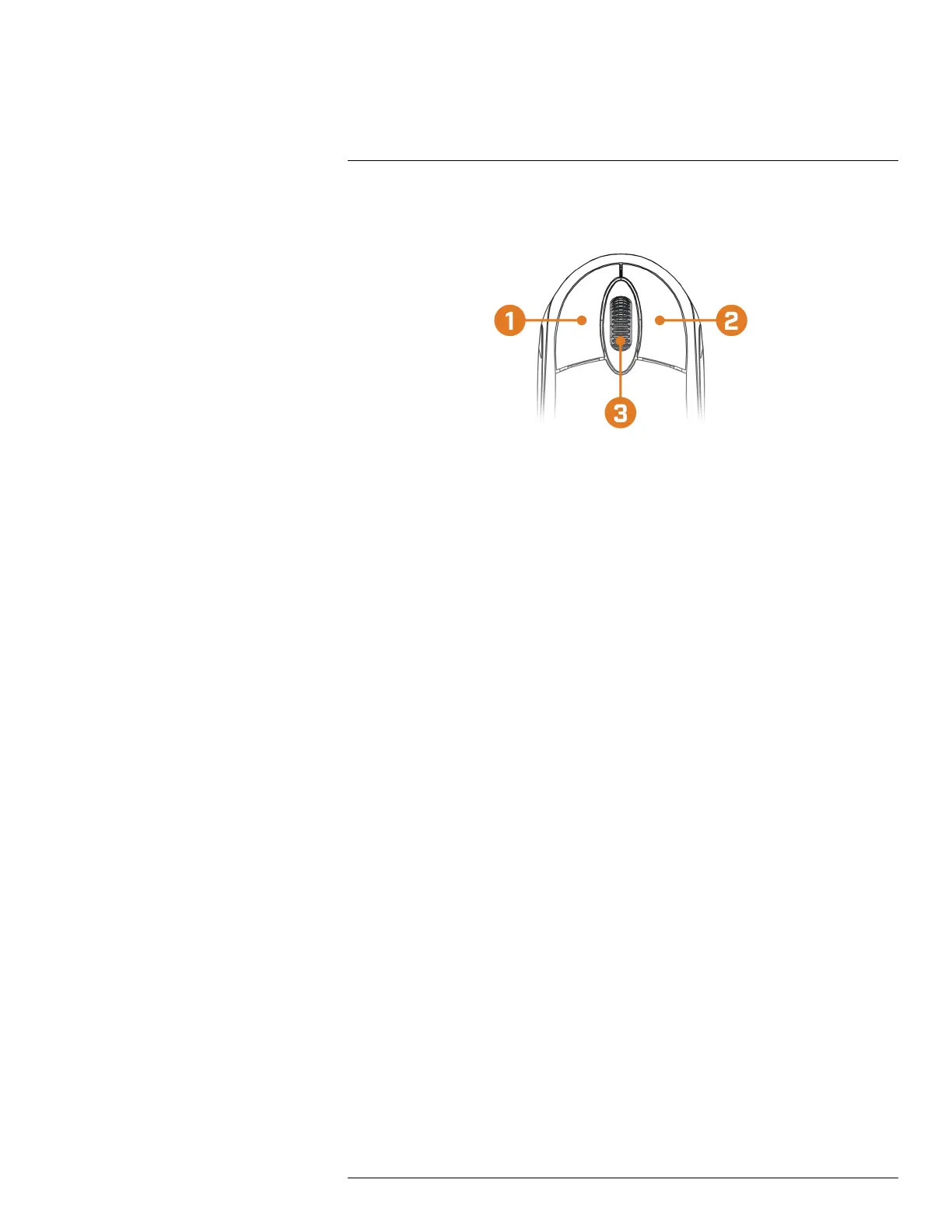
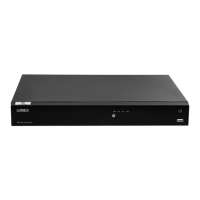
The mouse is the primary control device for the system. Connect the included mouse to the USB
port on the front or rear panel.
1. Left-button:
• In live view, while in a split-screen display mode, click an individual channel to view it in
full-screen. Click again to return to the split-screen display mode.
• While navigating menus, click to open a menu option.
2. Right-button:
• During live view, right-click anywhere on the screen to open the Quick Menu.
• Within system menus, right-click to exit menus.
3. Scroll wheel: In live view, use the scroll wheel to zoom in/out.
#LX400113; r. 1.0/56015/56022; en-US 15


 To Next Page