Using the Main Menu16
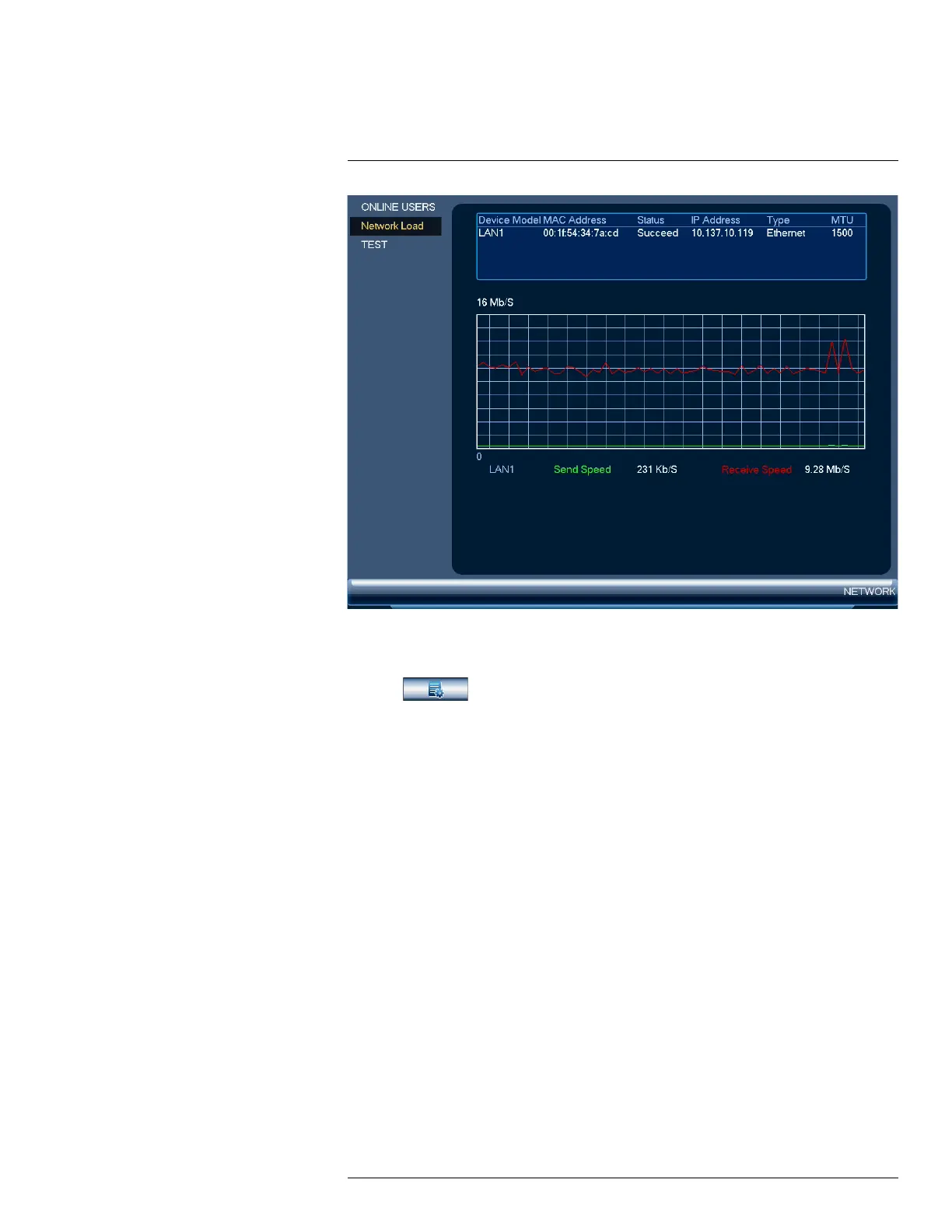
To access the network load menu:
1. From the Live View display, right-click to open the Quick Menu, then click Main Menu.
2. Click
, then click NETWORK. Click the Network Load tab on the side panel.
16.3.7 Network Test
Test if your system can connect to other devices over the LAN or Internet. You can enter the IP ad-
dress of a device and click Test to determine if your system can connect to it.
#LX400113; r. 1.0/56015/56022; en-US 71


 To Next Page