27
0698-651 Operating unit - 04/2021
en
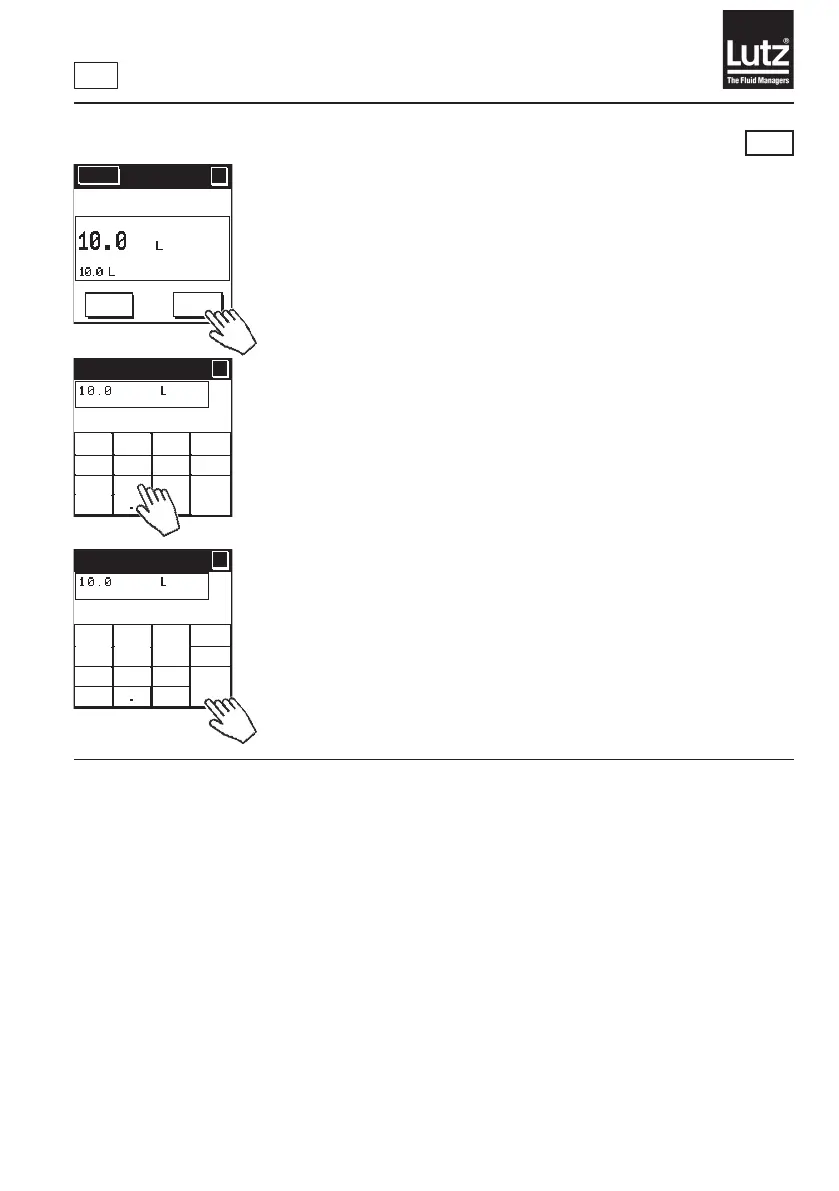
9.2.3 Changing the volume preset
RM
Press "←← C" to delete the last entry on the display.
Use "0 to 9” and "."toenterthellvolume.
Press "Cncl" to cancel the entry and return to the previous screen.
Press "OK"tosavethedisplayedvolumeandnishmakingentries.
Menu
?
?
AUTO
START
Change
volume
Filling volume
?
?
OK
Cncl
←←
C1
2 3
654
7
8 9
0
Filling volume
?
?
OK
Cncl
←←
C1
2 3
654
7
8 9
0



 To Next Page