42
0698-651 Operating unit - 04/2021
en
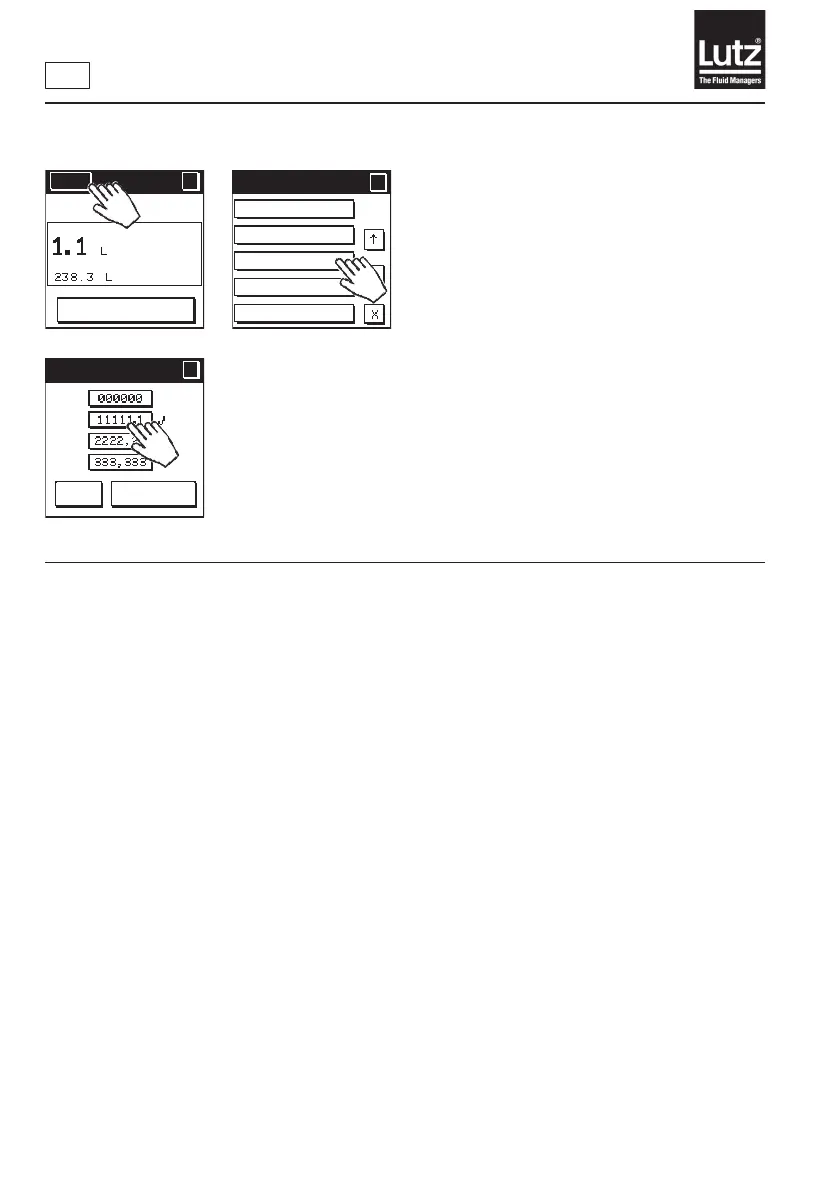
9.11 Change displayed decimal places
Press "000000" to display the values without decimal places.
Press "11111.1" to the values with one decimal place. This is the factory
setting.
Press "2222.22" to display the values with two decimal places.
Press "333.333" to display the values with three decimal places.
Press "OK" to save the selection and return to the menu level.
Press "Cancel" to retain the setting and return to the previous menu level.
Menu
?
RESET
MAN
Language
Unit of measure
Decimal places
Economy
Backlight
Menu 2/5
?
?
Decimal places
?
?
OK
Cancel



 To Next Page