40
0698-651 Operating unit - 04/2021
en
9.10.1 Select volume unit
i
When changing the volume unit, the volume values that have already been counted are converted to
the new volume unit. The result can here be greater than the digits on the display. The maximum
displayable value is then deducted from the result and the residual value is displayed.
Example:
Old display = 30000.0 US-Gal
Conversion factor US-Gal – Liter = 3,785
Maximum displayable value = 99999.9
New display = old display x conversion factor – maximum displayable value
New display = 30000 US-Gal x 3,785 – 99999.9 = 13550,1 litres
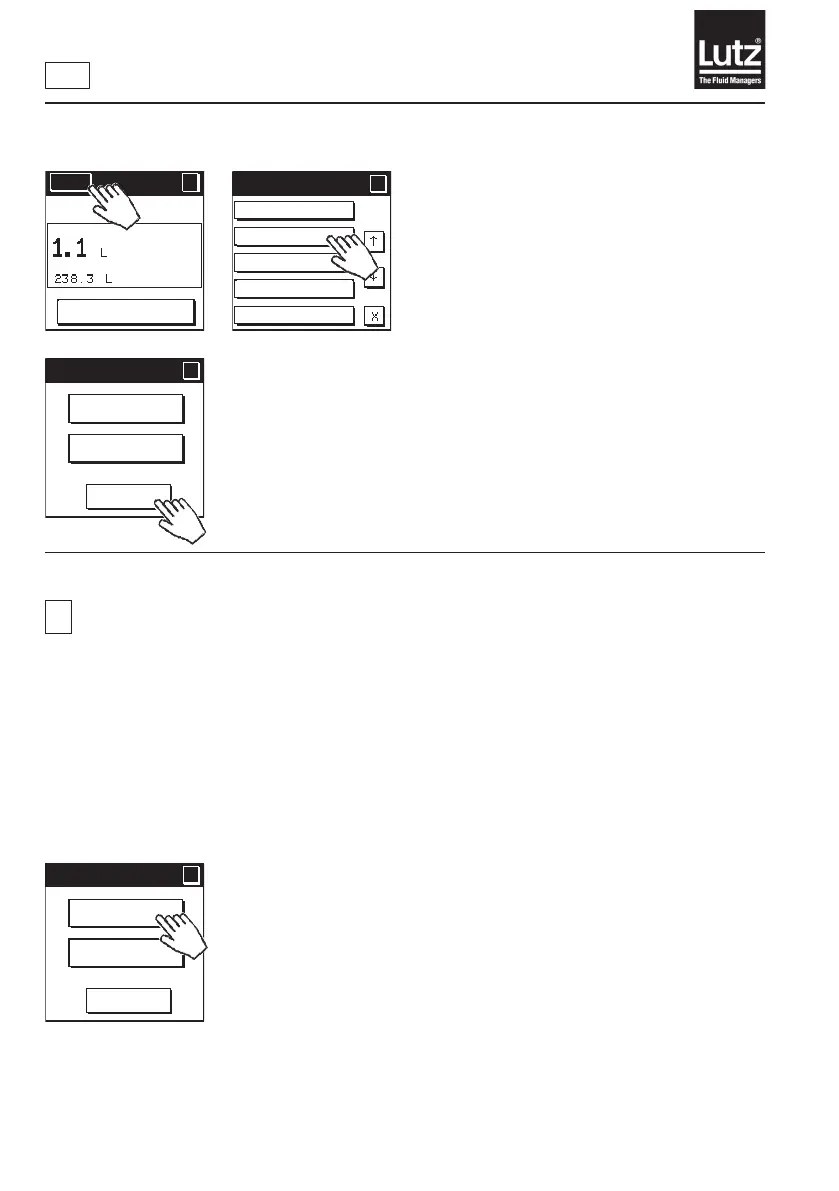
9.10 Select unit of measure
Press "Volume unit" to select the unit of measure for displaying vol.-
dependent values.
Press "Time unit" to select the unit of measure for displaying time-depend-
ent values.
Unit of measure
?
?
Cancel
Time unit
Volume
unit
Menu
?
RESET
MAN
Language
Unit of measure
Decimal places
Economy
Backlight
Menu 2/5
?
?
Unit of measure
?
?
Cancel
Time unit
Volume
unit



 To Next Page