50
0698-651 Operating unit - 04/2021
en
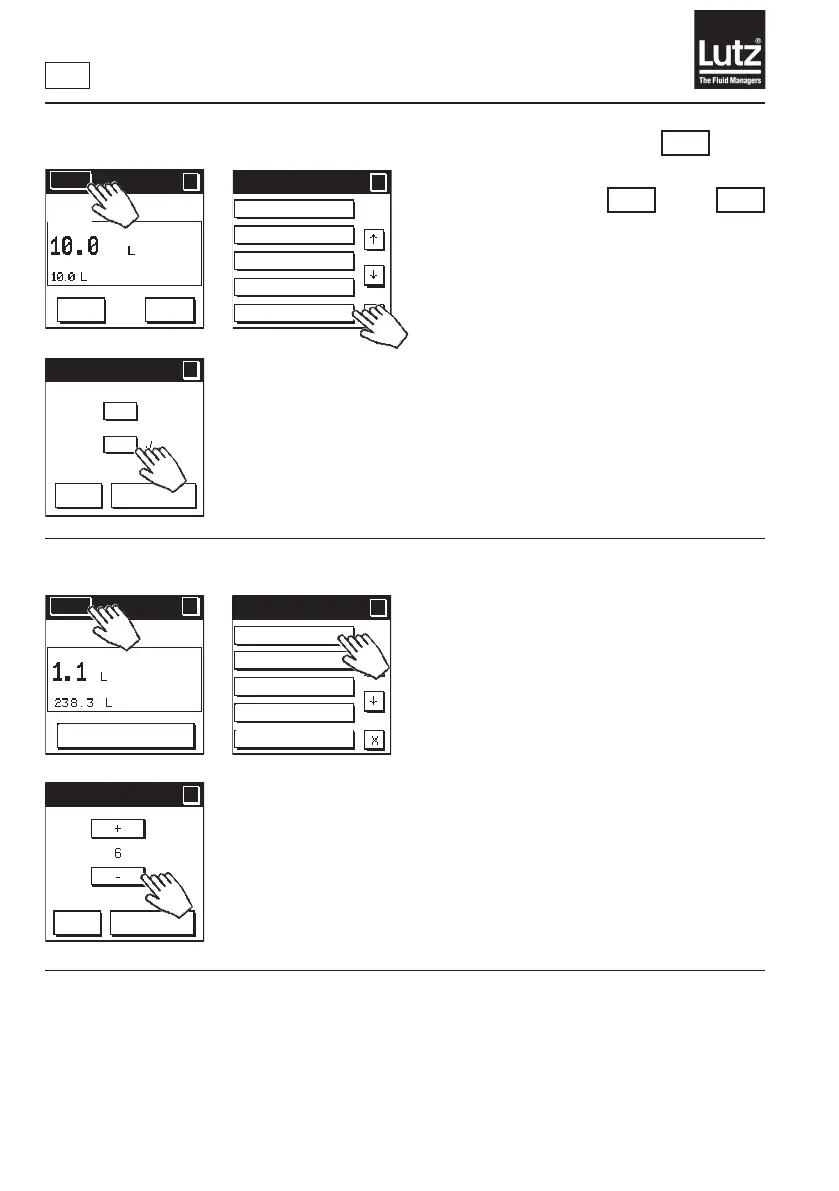
9.18 External actuation On/O
Press "On" to switch external actuation on.
Press "O"toswitchexternalactuationo.
This is the factory setting.
Press "OK" to save the selection and return to the menu level.
Press "Cancel" to retain the setting and return to the previous menu level.
RM
TM KM
and
or
9.19 LCD contrast
Use "+" and "-"toadjustthecontrastoftheLCDdisplay.
At 1, the contrast is the lowest and at 6 it is the highest.
Press "OK" to save the selection and return to the menu level.
Press "Cancel" to retain the setting and return to the previous menu level.
Menu 3/5
?
?
Fault detection
Valve function
Leakage alarm
Overrun corr.
Ext. actuation
Ext. actuation
?
?
OK
Cancel
On
Off
Menu
?
RESET
MAN
Menu 4/5
?
?
LCD contrast
Safety prompt
Flow monitoring
Communication
Simulation
LCD contrast
?
?
OK
Cancel
Menu
?
?
AUTO
START
Change
volume



 To Next Page