Rev #2 Version 3.00 August 2020
Page 17 of 80
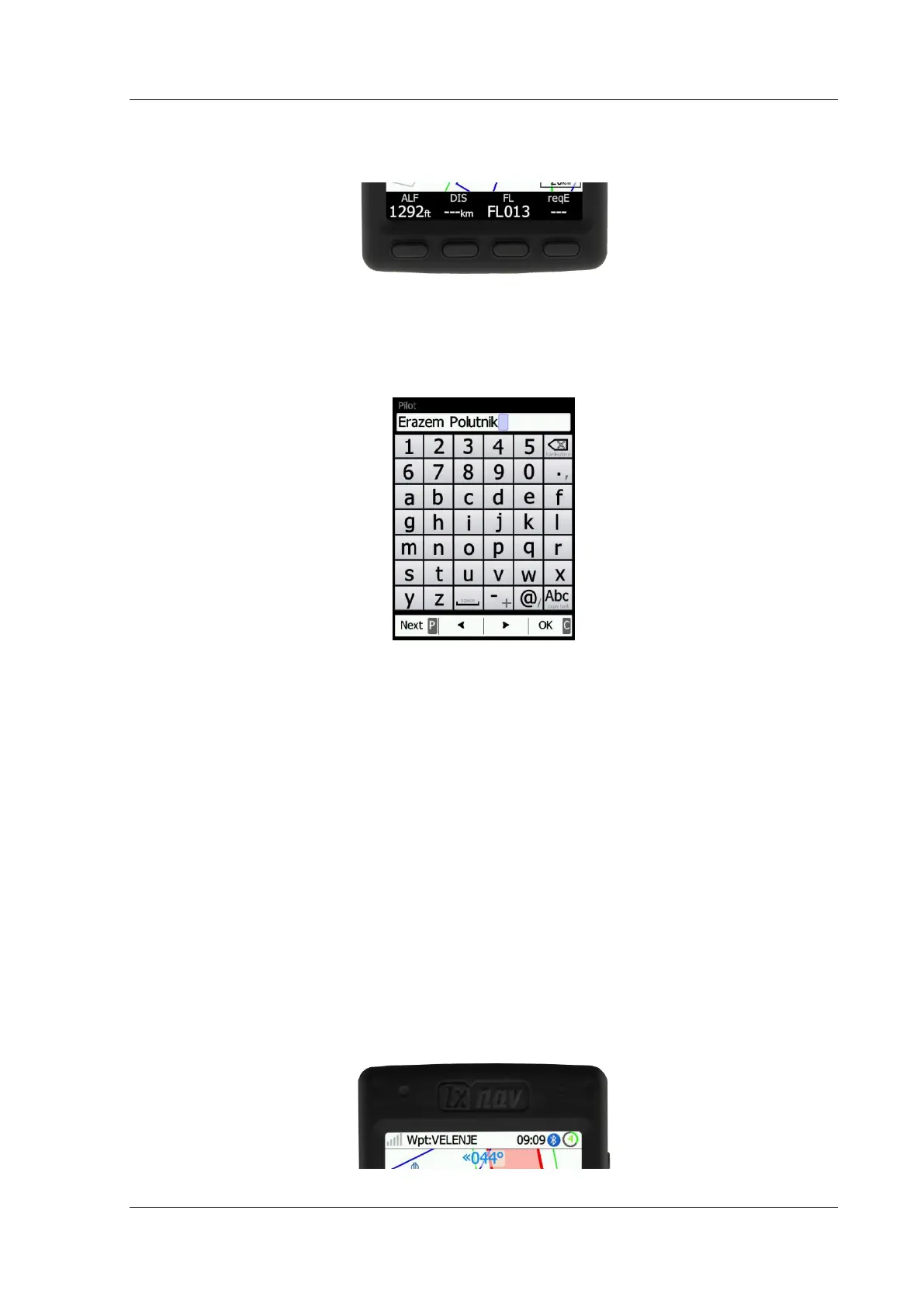
4.5 Four Push Buttons
The NANO
4
has four push buttons, which have dynamic functions.
The function of each push button is described on the label adjacent to the button.
The functions of buttons are mostly related to the current page (Waypoint, Task, FLARM,
Info, Setup). If there is no label next to a button, this button has no function.
4.6 LED
On the top left corner of the NANO
4
, there is a multi-colour LED indicator.
At power on:
• Hold the power button until the blue light disappears.
• In case of any failure (security check, battery check), there is a red flash with a one
Hz period.
Bluetooth operation (only, when the screen is off):
• At initialisation there are rapid blue flashes (blue fast) with a 5 Hz period.
• In normal operation blue flashes occur every two seconds.
Battery (when the screen is off):
• When the NANO
4
is not charging, there are flashes every 10 seconds.
• When the NANO
4
is charging, there are red flashes every 2 seconds, until it is full
(green).
• When the state of charge is below 30% the flashes will be yellow, when below 10%
the flashes will be red.
Power off:
• At all times, while holding the power button, red will constantly be displayed.



 To Next Page