Rev #2 Version 3.00 August 2020
Page 67 of 80
8 Configuring the NANO
4
8.1 Declarations
One can upload flight declarations to the NANO
4
in four different ways:
• Directly on the NANO
4
• Using the NanoConfig program on PC,
• Bluetooth (NanoConfig for Android, Oudie, XCsoar...)
• Serial interface (PDAs, Oudie, XCsoar)
Declarations are stored in the SYSTEM folder in a file called decl. The declaration file is
formatted as a standard IGC header file. It is recommended that you do not try to modify
this file yourself.
8.2 Directly on the NANO
4
8.2.1 Pilot Information
Detailed information is written in 8.3.1.1.
8.2.2 Declaration and Editing of a Task
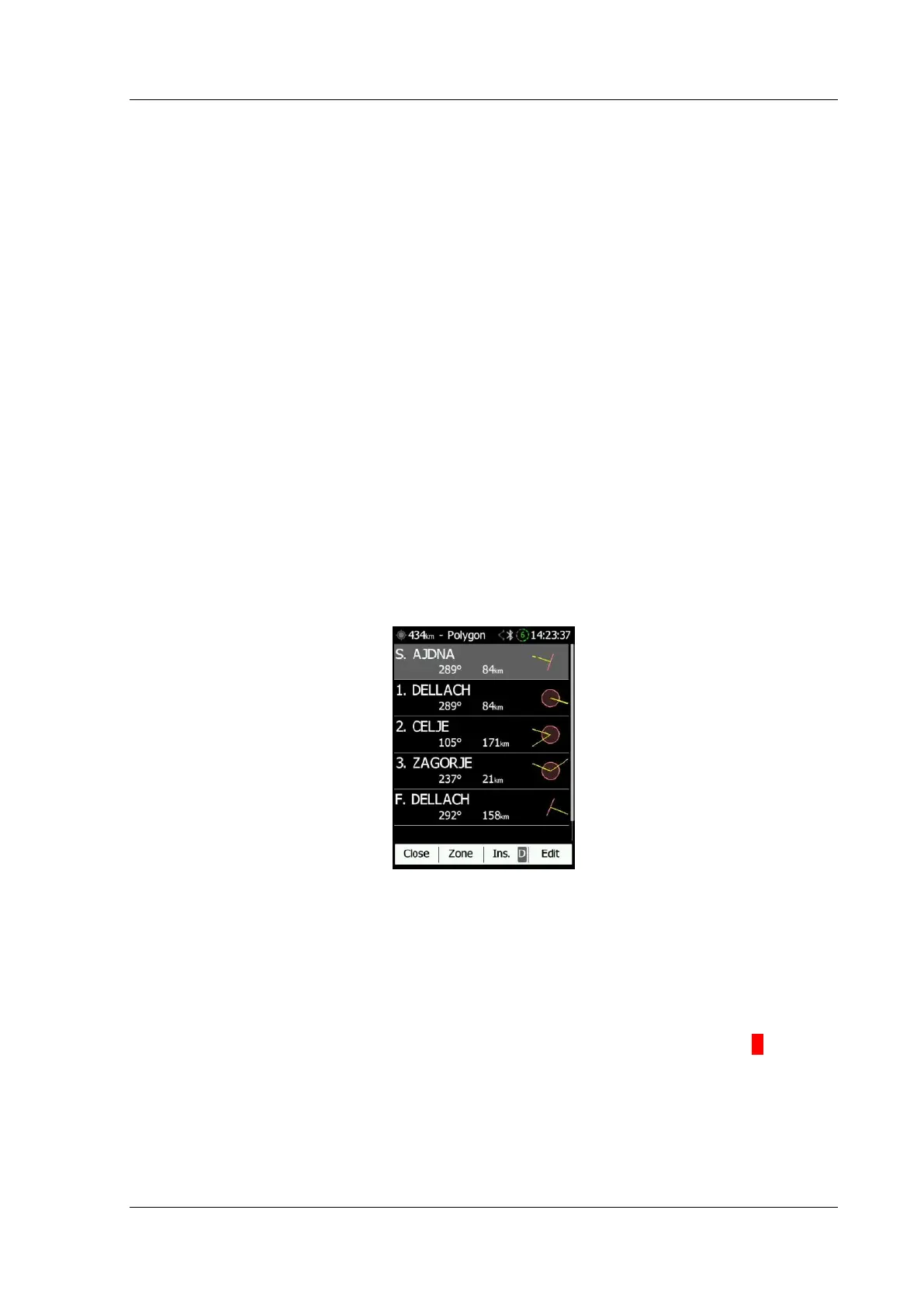
In the Task page the pilot can enter or edit the task which will then be automatically
declared when he leaves this page. One can select waypoints for a task from the active
waypoint file.
A Task can be entered in a very simple way. In the task page one can press the edit
button. Using the up or down button one can highlight an existing waypoint or an empty
space and then set a new waypoint. By pressing the Ins. (insert) button one can start
browsing through all the waypoints in the selected CUP file.
Selecting from a list of waypoints is very intuitive. The NANO
4
will offer the pilot a choice of
the sole characters that are available from the available list of waypoint names. Using the
button >>one can move to the next character (right), the red part of the label B indicates
one space back or, using a longer push of the button, one character to the left. A similar
function is used for the OK button where one can confirm a selected waypoint, or cancel the
selection of a waypoint using the C. The previous waypoint will then be selected.



 To Next Page