Rev #2 Version 3.00 August 2020
Page 26 of 80
5.5 Security Void
When the security (secret key) is lost at power on the red light will be blinking and a
"DIGITAL SIGNATURE FAILED" message will appear on the screen. To continue press any
button. The Nano will be totally functional, but the flight will not be valid under IGC rules.
To produce IGC-certified files the NANO
4
flight recorder must be returned to the
dealer or manufacturer for resealing.
5.6 Connecting to a Computer
You can connect the NANO
4
to a PC regardless of whether it is on or off. If it is off it will
connect automatically. If the NANO
4
is already powered on, it will ask you if you want to
connect to a computer.
If the NANO
4
is connected to a computer during flight and if the user confirms a
USB connection, the flight will be forced to end.
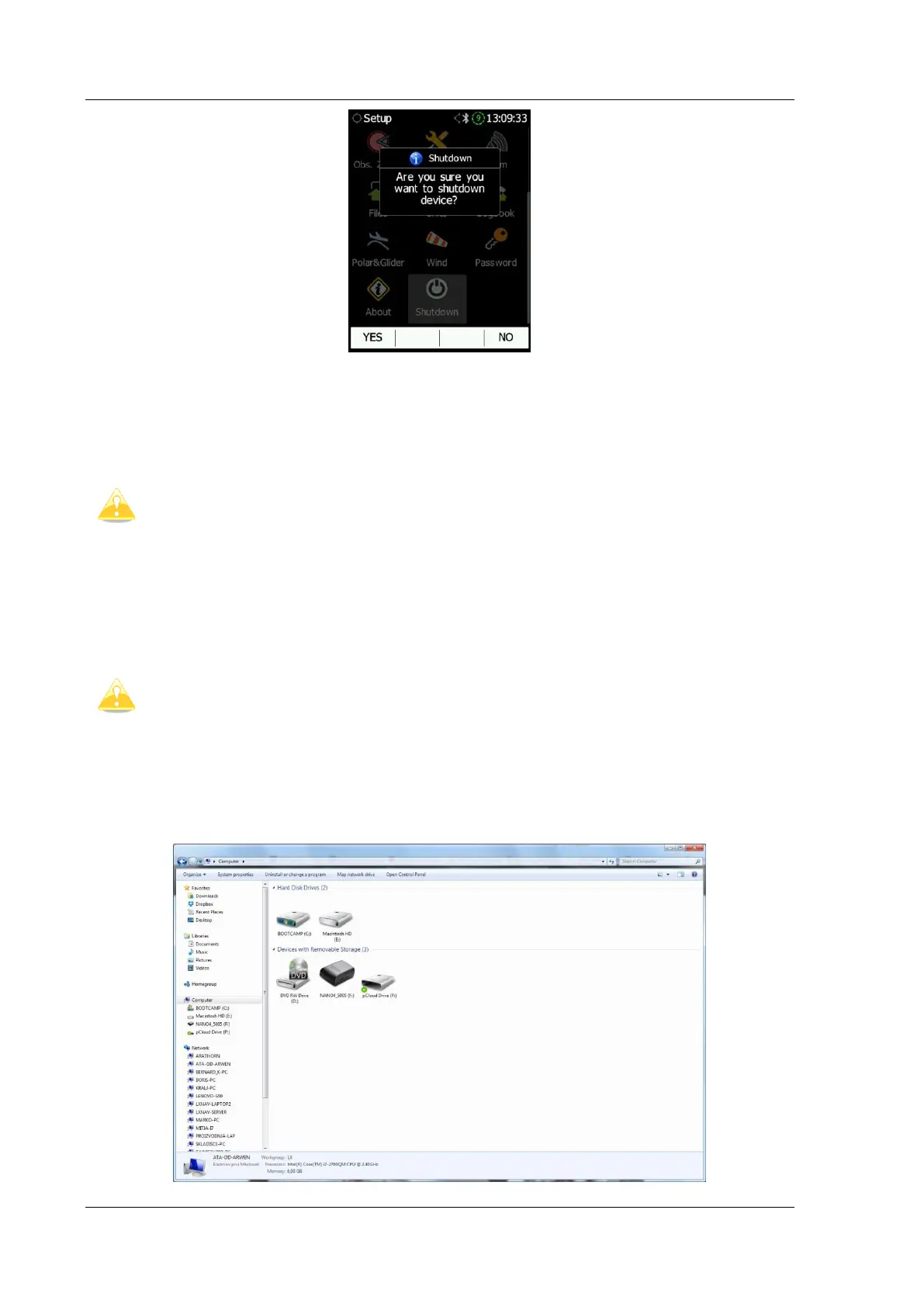
Connect the NANO to a computer using the supplied USB cable or any other standard USB-A
to micro-USB cable. The NANO
4
flight computer will be identified automatically and a new
removable storage device will be indicated. The name of the device will be
NANO4_<SERIALNUMBER>.



 To Next Page