Rev #2 Version 3.00 August 2020
Page 35 of 80
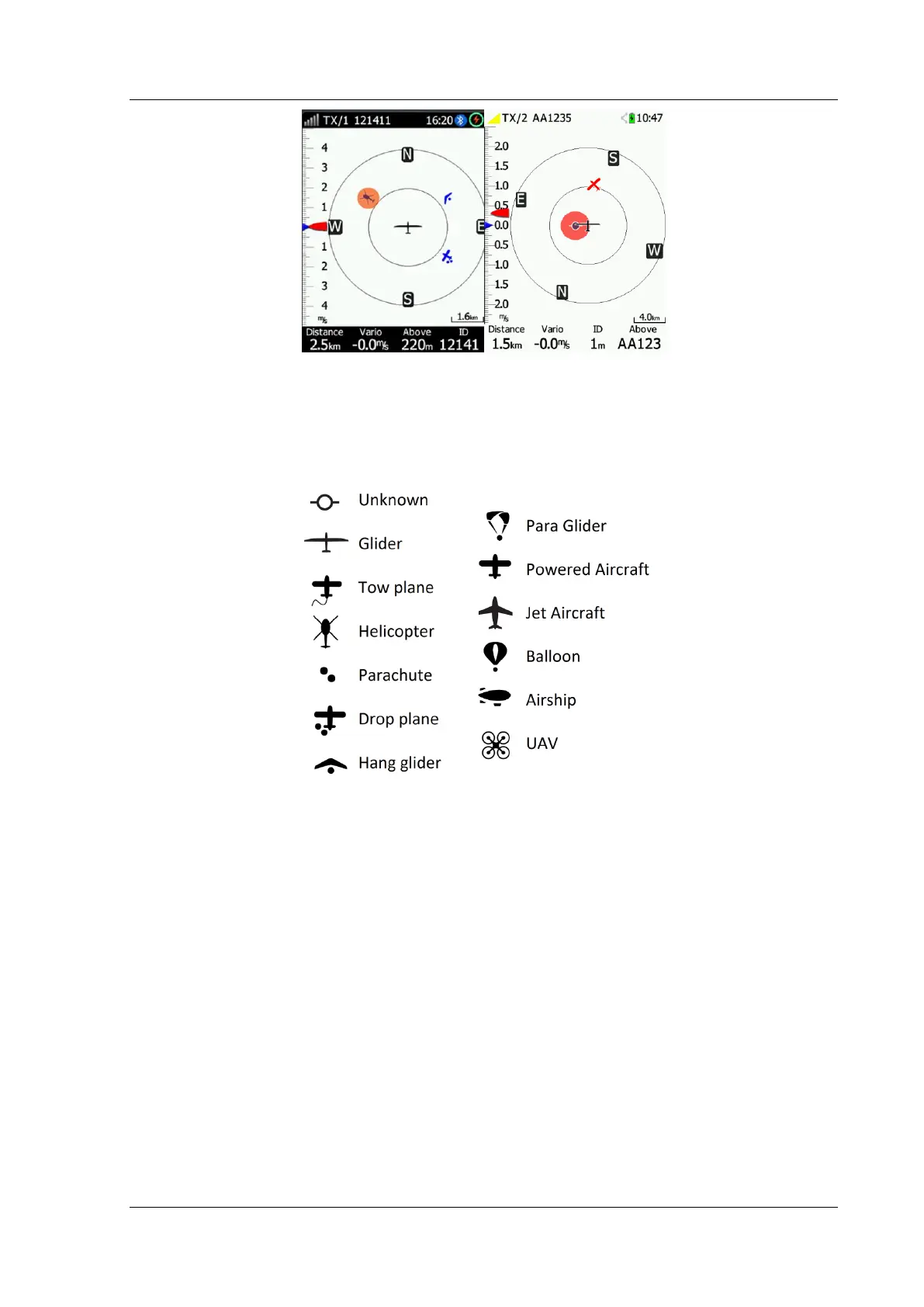
6.5.1 FLARM Symbols
Power FLARM supports symbols depending on the type of the object. Symbols are as shown
in the table below:
6.6 The Waypoint Screen
The waypoint screen is meant to navigate to a selected WPT or to NEAR Airport/Wpt.
Pressing Select allows you to select any waypoint from the CUP file. To choose only
landable waypoints press Near. Selecting a Waypoint can be sorted by name, distance or
bearing by clicking the Sort button.



 To Next Page