Rev #2 Version 3.00 August 2020
Page 36 of 80
A longer push on the map will bring the near airport/waypoint selection menu
around the pressed location on the map.
A longer push on the steering course will bring the near airport/waypoint
selection menu in the flying direction.
Clicking on different elements on the screen will allow you to edit them. More about editing
these elements can be found in Section 7.1.
6.7 The Task Screen
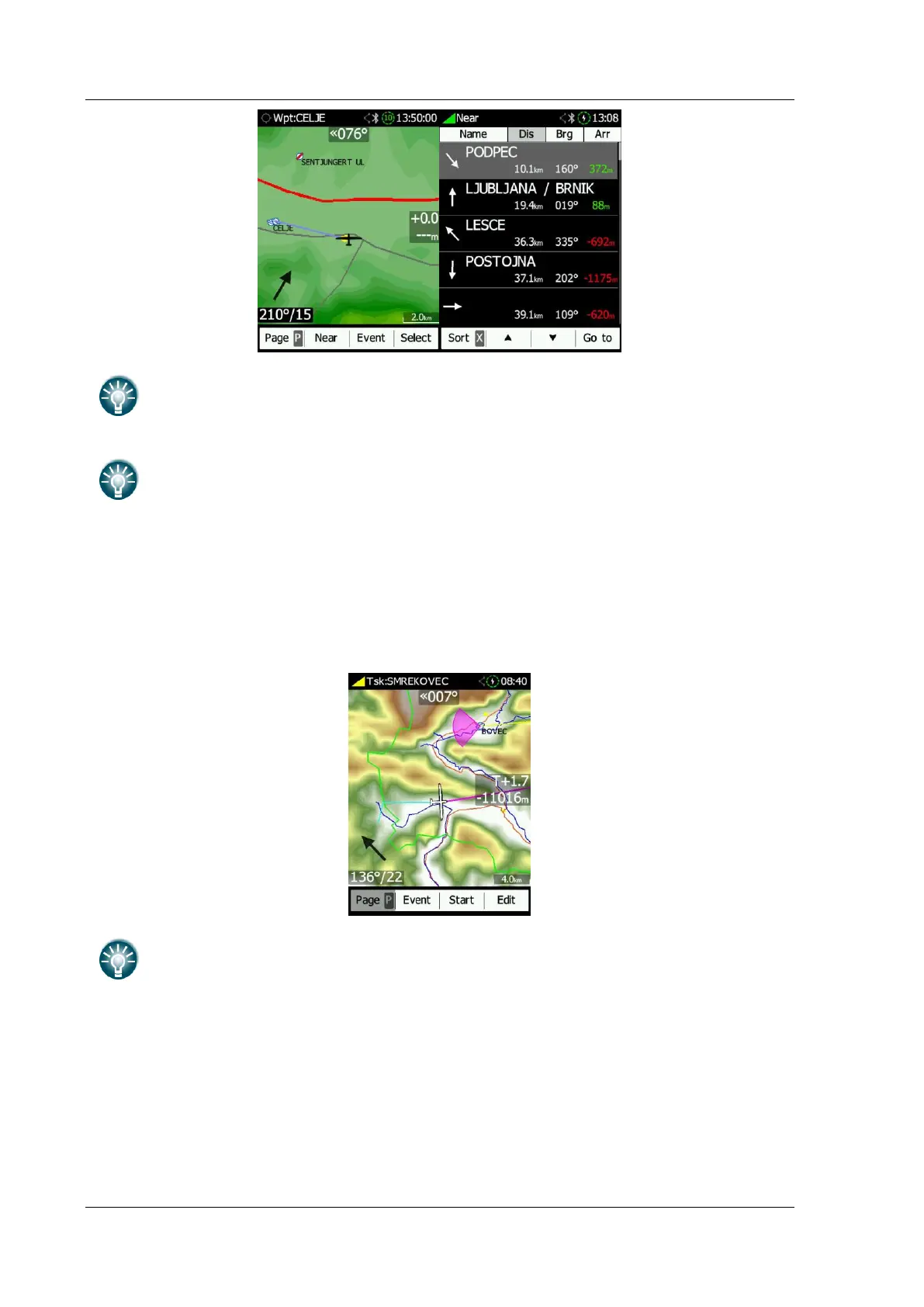
This navigates to waypoints from the defined task. The EDIT icon allows you to create a
task / insert or delete WPTs. More about this in Section 8.2.2.
A long push on the map will open the GO-TO menu. When a Waypoint/Airport is
selected the NANO
4
will return to the waypoint page.
Clicking on different elements on the screen will allow you to edit them. More about editing
these elements can be found in Section 7.1
6.8 The Setup Menu
The setup menu consists of following pages:
• QNH
• Flight recorder
• Display



 To Next Page