Rev #2 Version 3.00 August 2020
Page 40 of 80
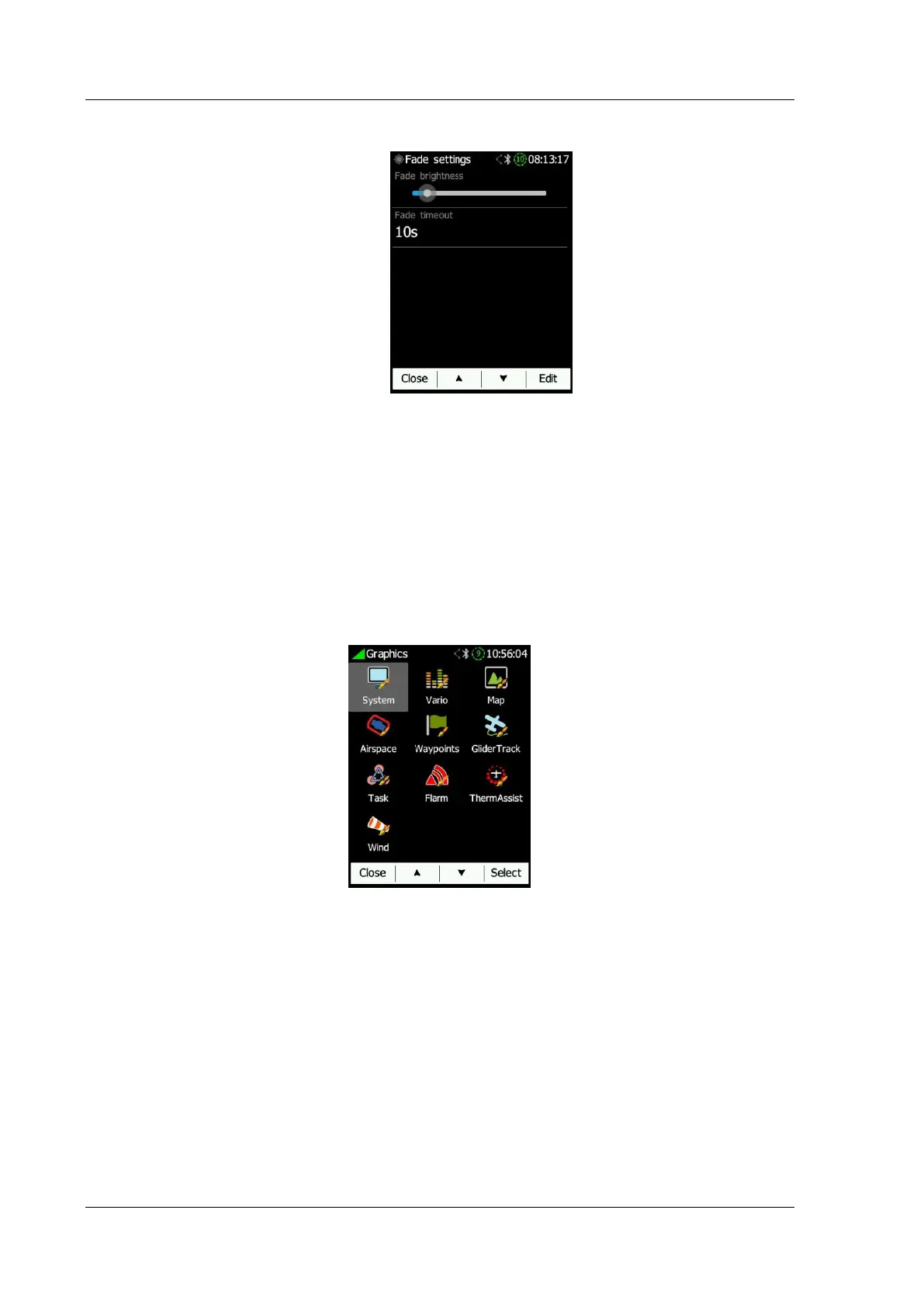
• Screen Fade enables fading the screen to the level "Fade brightness" after "Fade
Timeout" time.
o Fade brightness is the level of brightness at which the screen will fade.
o Fade timeout is the time taken for the screen will fade to "fade brightness".
• Auto lock screen will automatically lock the screen after lock timeout.
o Auto lock timeout is the time after which the screen will lock.
• Wake on events enables turning on the screen even if the screen is off.
• Led brightness can be adjusted in this menu.
6.8.4 Graphics
Graphics has many sub-items which are related to System, Vario, Map, Airspace,
Waypoints, Glider & Track, Task, FLARM, Thermal Assist and Wind.
6.8.4.1 System
The NANO
4
has an option to be configured in a light or dark theme. Font, Colours and
transparency can be adjusted for the navboxes, banners and user messages.



 To Next Page