Rev #2 Version 3.00 August 2020
Page 39 of 80
6.8.3 Display
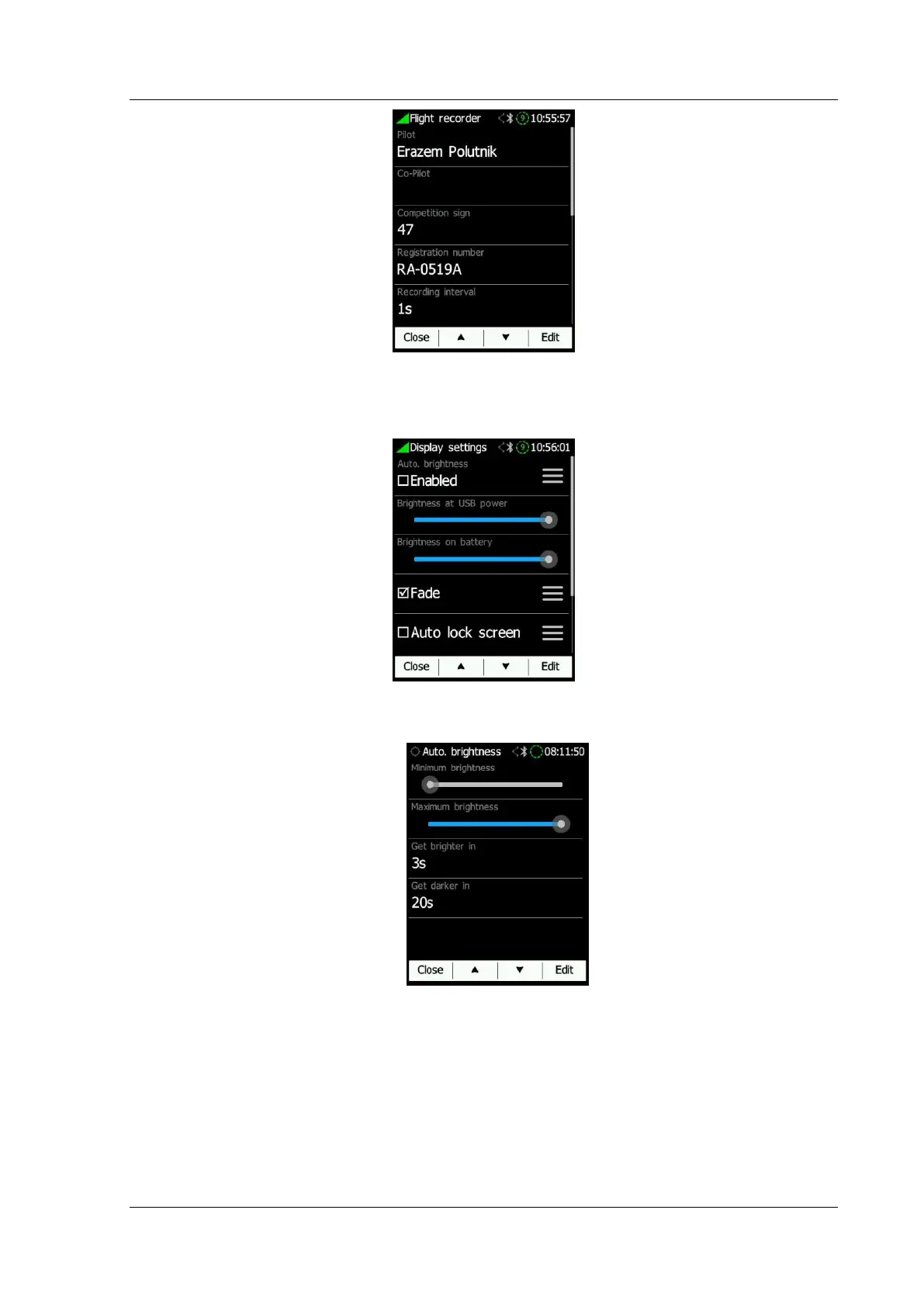
The display settings can be configured in this menu.
• Automatic brightness can be enabled or defined via a "hamburger" menu.
o Minimum brightness
o Maximum brightness
o Get brighter in is the time to reach max brightness
o Get darker in is the time to reach min brightness
• Brightness at USB power will set the level of backlight when USB power is
present.
• Brightness on battery will set the level of backlight when USB power is not
present.



 To Next Page