Rev #2 Version 3.00 August 2020
Page 50 of 80
6.8.7 Task
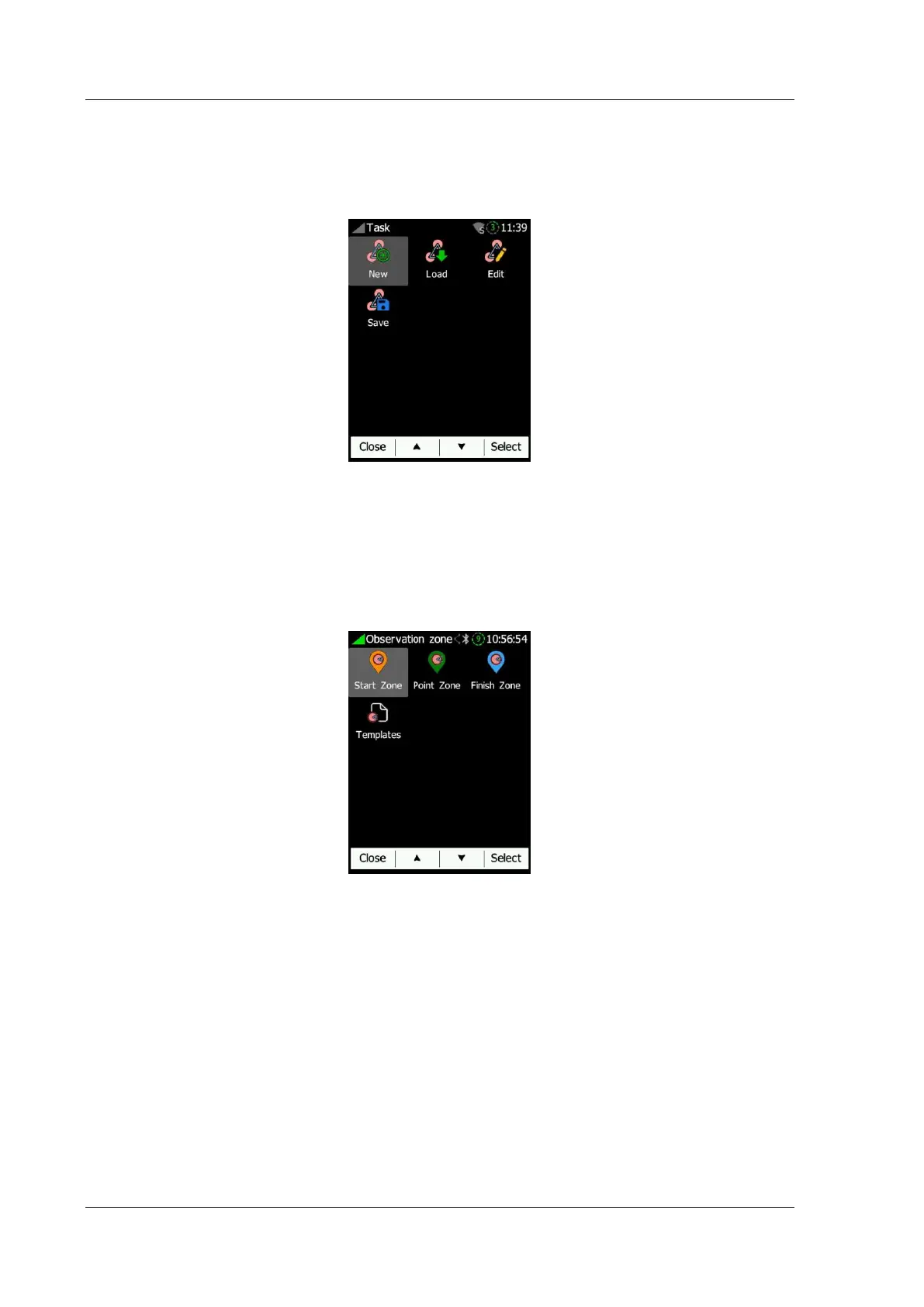
New, edit, load and save task are found here. Once a new task is created you can edit it
as described in Section 8.2.2. To save the currently open task press Save. Saved tasks can
later be brought back by clicking Load and selecting the task you wish to load.
6.8.8 Obs. Zones
This menu defines the default observation zone geometry. The following zones can be set:
Start zone, Point zone and Finish zone. By clicking templates you can pick between
three preloaded standard types of zones (500m Cylinder, 500m and start line and FAI and
start line).
Each type of observation zone is defined with two angles, two radii and a mean bearing
(Angle12). These parameters enable the creation of any known zone geometry separately
for start, turn point and finish points.



 To Next Page