Rev #2 Version 3.00 August 2020
Page 73 of 80
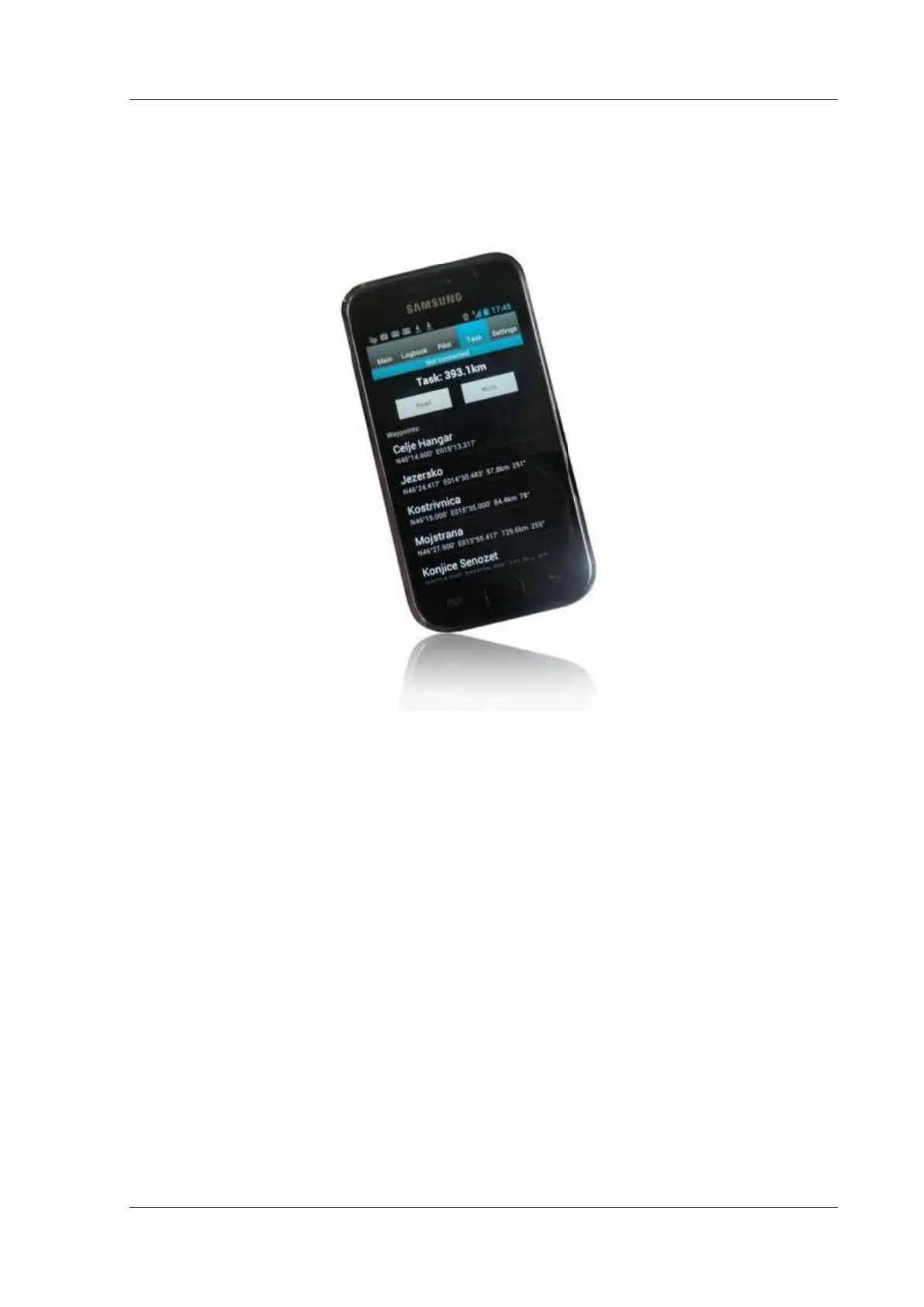
8.5 NanoConfig for Android Devices
One can download NanoConfig from the LXNAV web site or Google Play Market. NanoConfig
is a configuration tool for the NANO
4
. The pilot can easily modify all flight recorder
parameters, edit pilot and glider information, edit the declaration and transfer flights from
the NANO
4
to a smart phone.
NanoConfig consists of five tabs: Main, Logbook, Pilot, Task and Settings.
8.5.1 Connecting and Pairing the NANO
4
When you run NanoConfig on a smart phone the program will first ask you to turn on
Bluetooth if it is not already turned on.
8.5.2 Via the menu button one can access the scan function which will
scan for Bluetooth devices. If the NANO
4
is turned on and Bluetooth
functionality in the NANO
4
is enabled, it will appear on the scanned
list. Choose your Nano
4
. The first time one does it, it will be
necessary to pair the NANO
4
and the Smart Phone together. Read
more about pairing in Section 5.9.Main
On the main tab information about the NANO
4
and its GPS status are shown/displayed.
When you want to disconnect simply press Disconnect.



 To Next Page