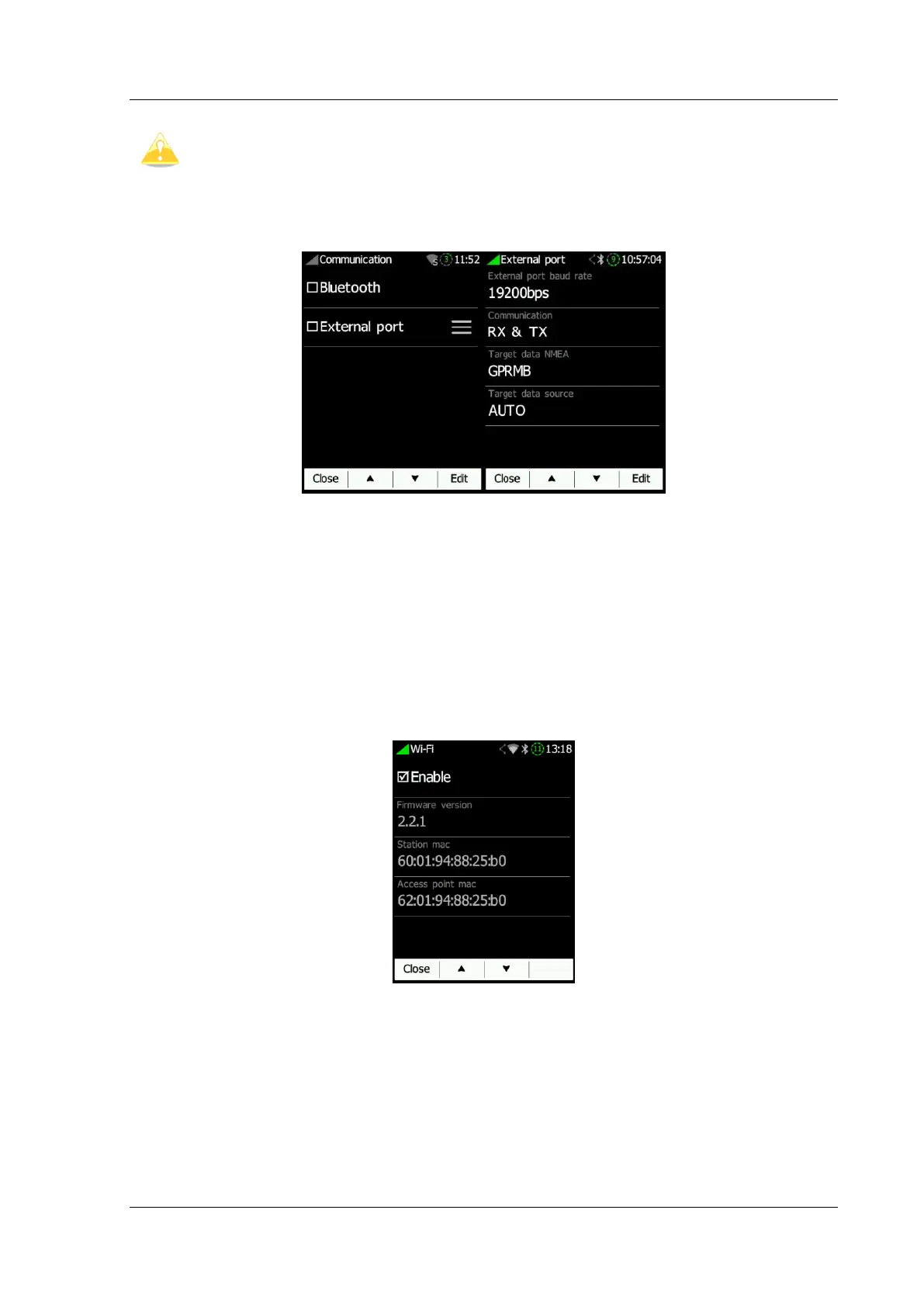
6.8.9.3 Communication
In the communication menu you can enable or disable the Bluetooth device, enable or
disable the NMEA output on the external USB port and the baud rate for the external
serial interface.
Communication enables you to set the way the NANO
4
will communicate with the FLARM.
Target data NMEA enables you to use NMEA data transmission (GPRMB and LXVTARG) to
other external GPS devices (Oudie, PDA’s, Smart phones...). Target data source enables
the NANO
4
to communicate all information about the current target depending on which
page you are (Task or Waypoint). AUTO option automatically detects the page mode
(whether you are in Task or Waypoint page) and sends information about your current
target.
6.8.9.4 Sounds
Various settings for sounds can be adjusted here. System and Vario sounds can be
enabled or disabled. Flarm traffic alarms and beeps can be also enabled/disabled.



 To Next Page