Rev #2 Version 3.00 August 2020
Page 44 of 80
6.8.4.8 FLARM
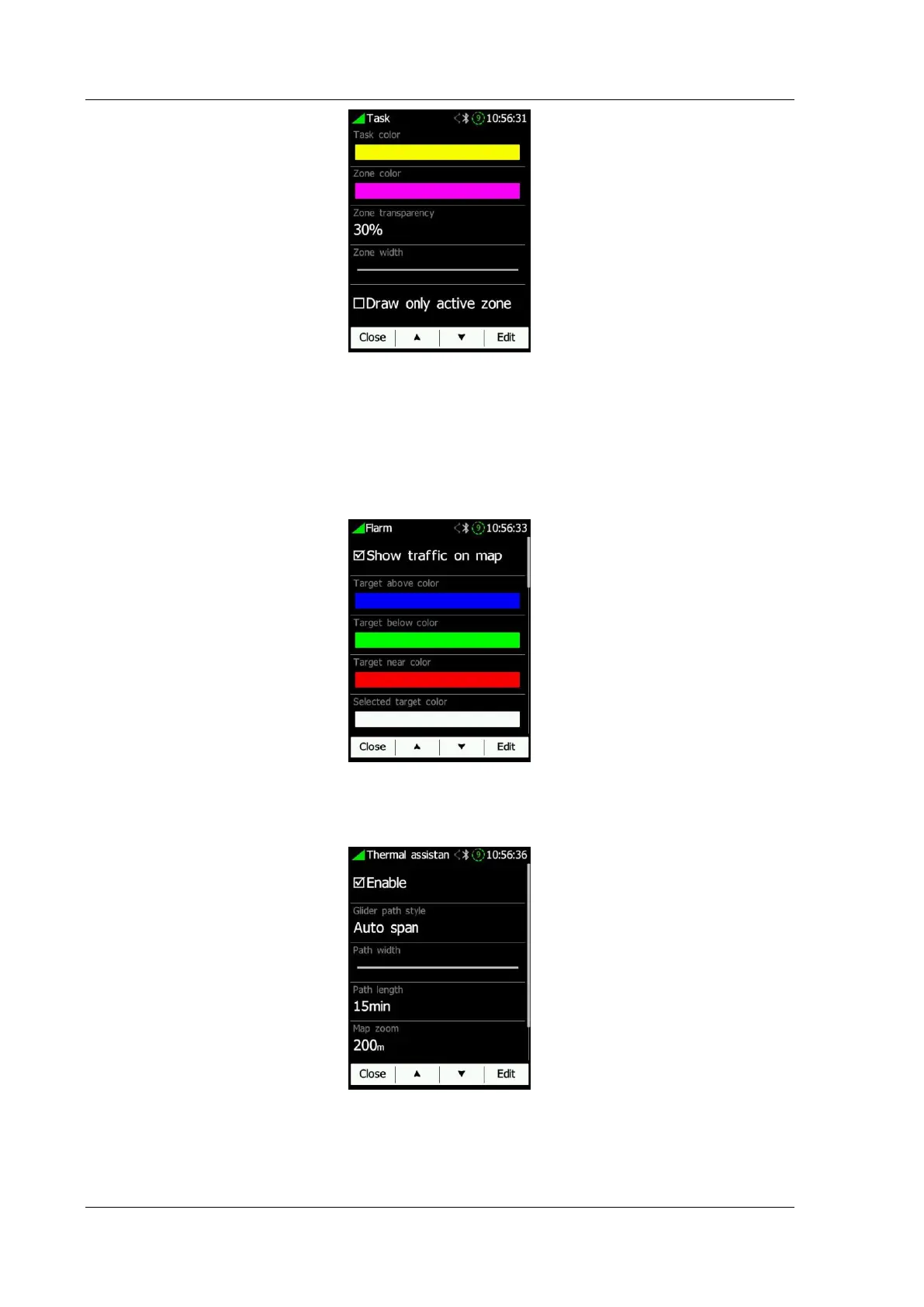
Show traffic on map can be enabled or disabled. Colours for above/below/near/selected
target and font can be set. Additional options are available such as Bubble around target,
Draw history, Draw line to target, Lock on target, enabling showing of A/C target and
changing plane icon size. The Flarm timeout defines the time when the user will cease to
see a FLARM warning after dismissing the FLARM warning of a FLARM object.
6.8.4.9 Thermal Assistant
The thermal assistant is displayed around the wind icon on the Waypoint and Task page. It
can be enabled or disabled.
Thermal assistant can colour circles by:
• Auto Span: uses lowest and highest vario value from last thermal
• MacCready: uses currently set MacCready value
• Average vario: uses current average vario value



 To Next Page