Rev #2 Version 3.00 August 2020
Page 45 of 80
The same settings are valid for the Glider path style. Path length and width can be also
set.
6.8.4.10 Wind
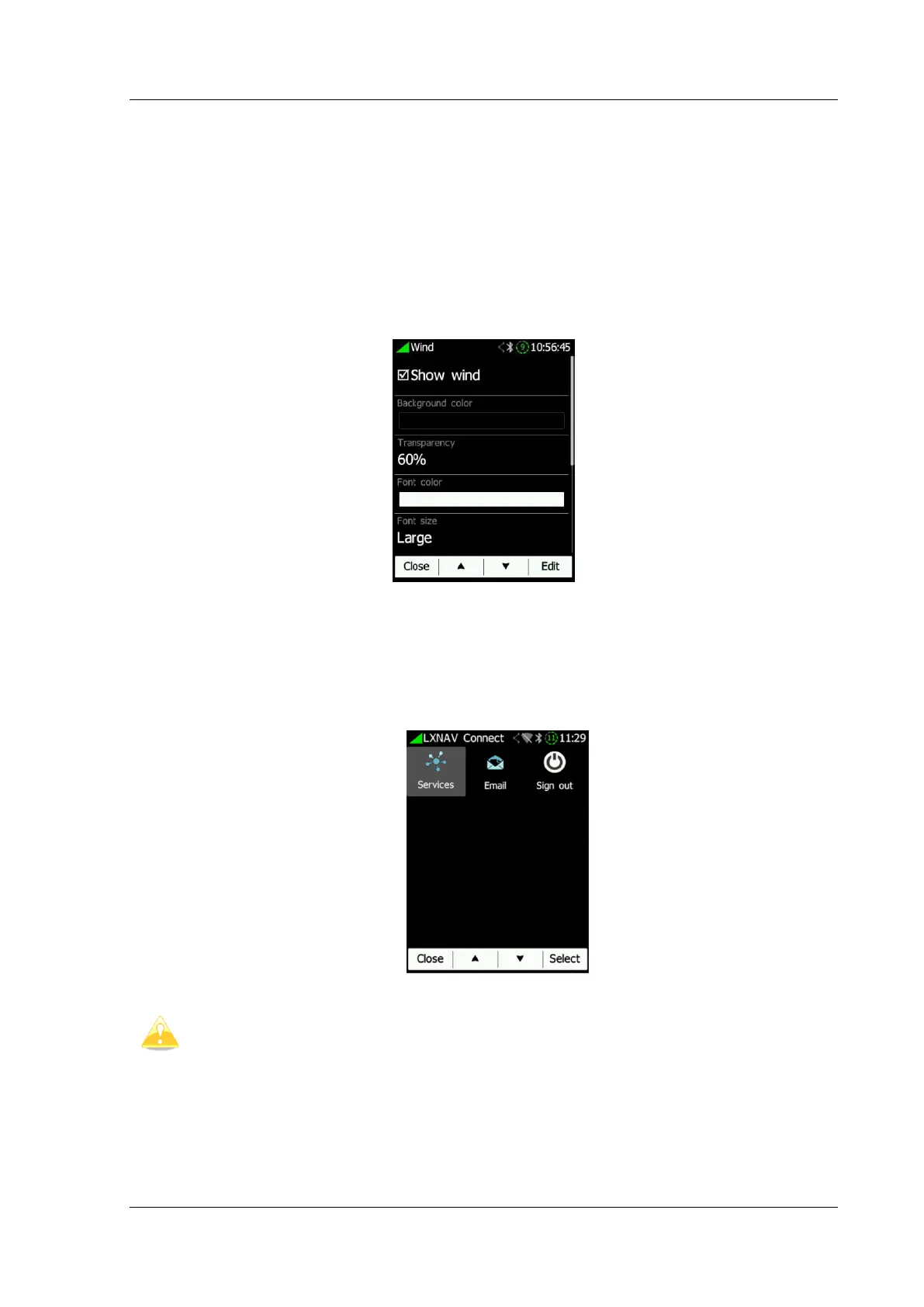
Wind is displayed on the Waypoint and Task page. The wind symbol can be enabled or
disabled. The widget’s graphics can be customized such as background colour,
transparency, font colour and size, arrow brush colour and arrow’s transparency, arrow’s pen
colour and its width.
6.8.5 Connect
There are five sub items in the www menu:
• Services
• Email
• Sign out



 To Next Page