Rev #2 Version 3.00 August 2020
Page 22 of 80
5.2.1 Buttons on the NANO
4
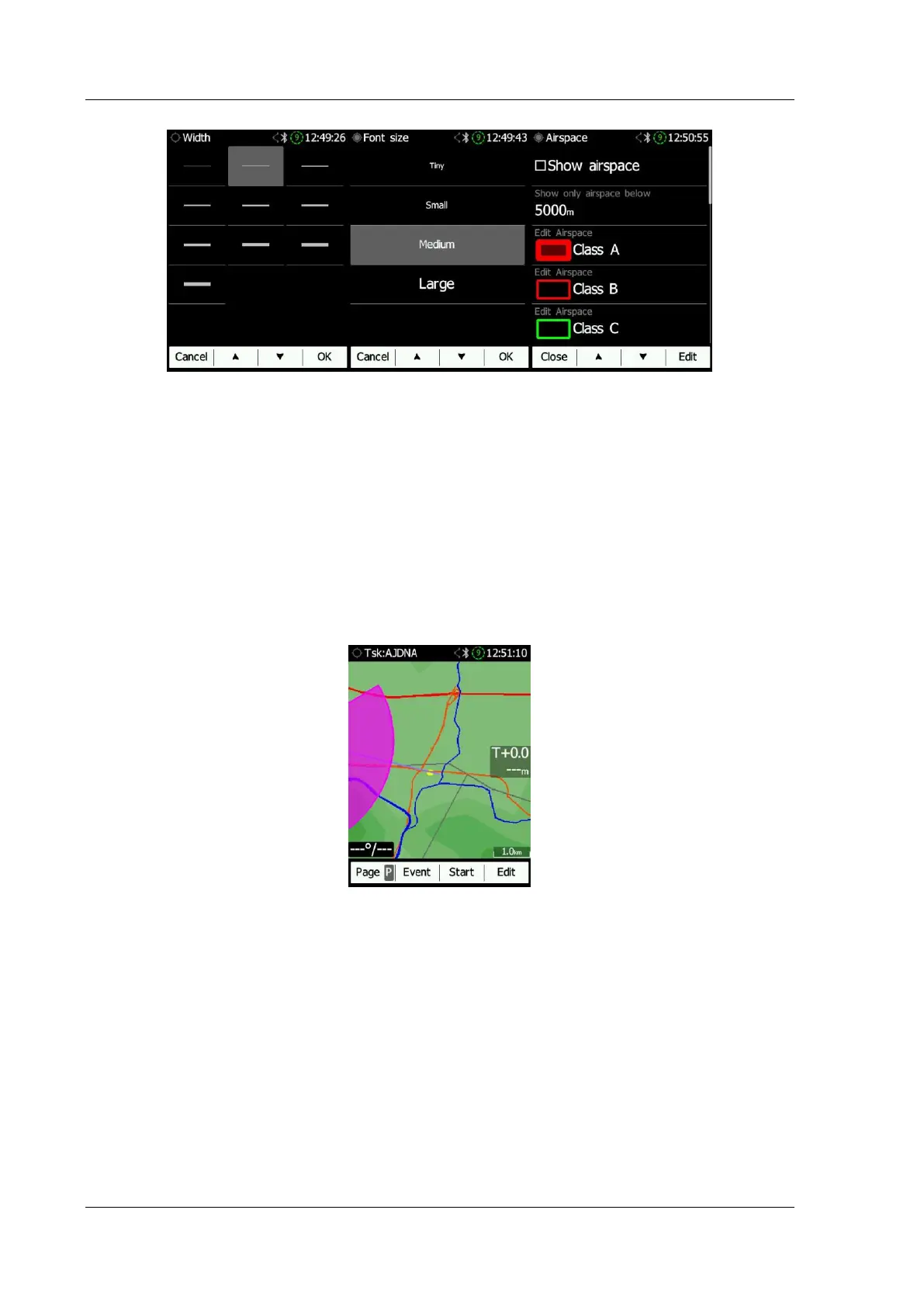
Buttons have dynamically set functions. Pressing a button will give more options. The main
text in the box will perform an action assigned in the context. When you press a button a
row will appear with the action assigned to that button in that context.
On the main screen the left button always performs the function of switching between
pages. A short push will cycle the pages in one direction. A longer push will cycle the pages
in the opposite direction.
A short push means less than a second i.e. almost instant. A longer push means a second
but not more. If you hold for longer the NANO
4
will start cycling through the pages.
The middle buttons help with target selection by cycling through available targets. The right
button has an EDIT /SELECT or EVENT function, where you can edit/view the currently
selected target.
5.2.1.1 Applying a Longer Push on the Buttons
Page (P): P will cycle the pages in the opposite direction.
Sort (X): X will exit from the menu.
Next (P): P will move the cursor back.
OK (C): C will cancel the performed action.



 To Next Page