Rev #2 Version 3.00 August 2020
Page 43 of 80
6.8.4.5 Waypoints
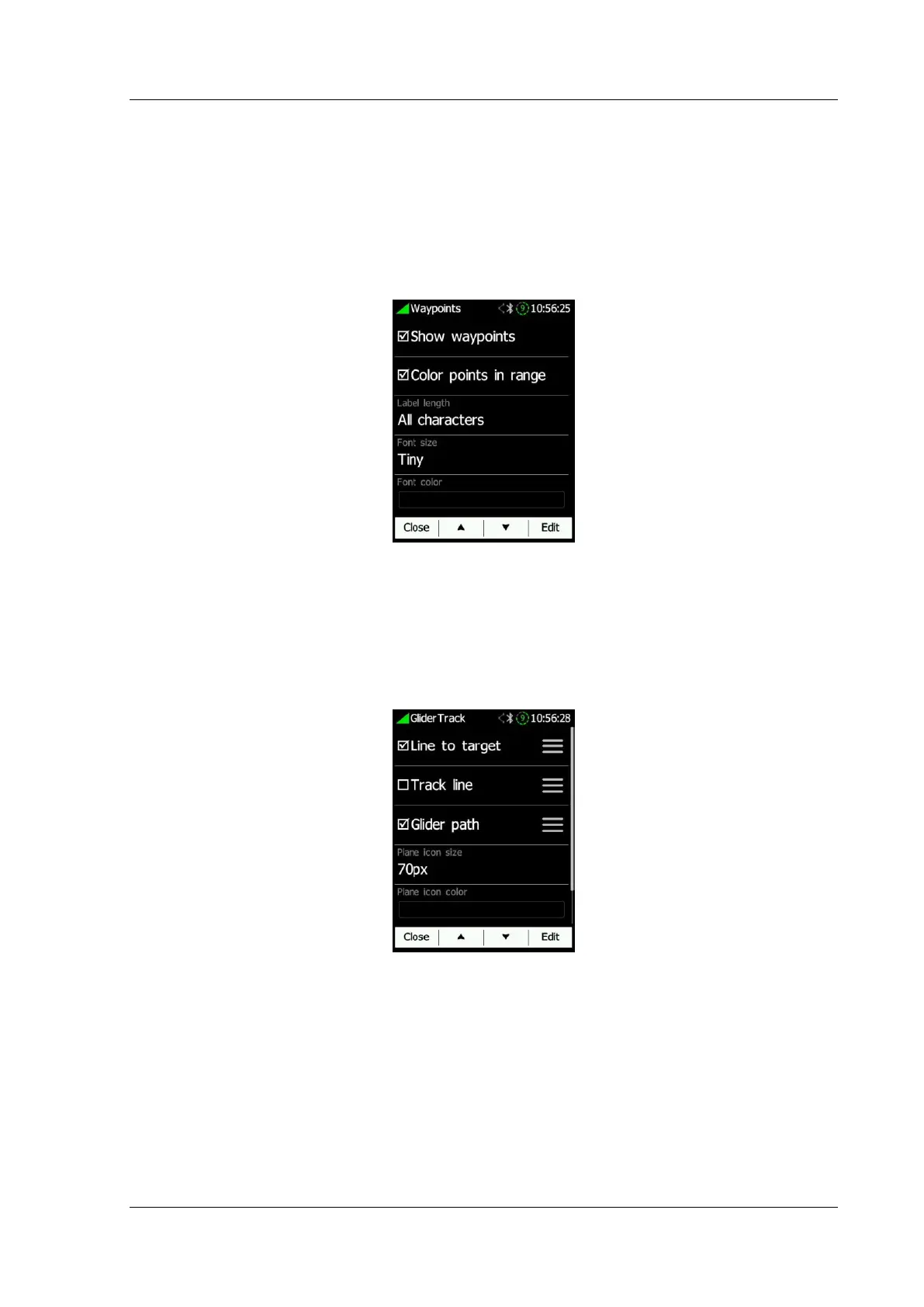
Waypoints can be seen if Show Waypoints is enabled. When Colour points in range is
enabled, waypoints that are in the range at that given moment will change colour to green
when on marginal final glide, to orange and when not in the range to red colour.
To avoid long names on the map you can reduce the number of characters that are
displayed in each label by clicking Label length and change their size and colour of the
text.
6.8.4.6 Glider & Track
Glider and track settings can be adjusted here. Line to target and track line can be
enabled/disabled; colour and line width can be set under the "hamburger" menu. Glide
path style can be set to fixed, MacCready value or to the Average vario value. Its colour,
width and time length can be also defined. Plane icon colours can be changed and the icon
size as well.
6.8.4.7 Task
Task settings such as task and zone colour, transparency and zone width can be set here.
Draw only active zone will show only a currently active zone while flying a task.



 To Next Page