EasyManua.ls Logo

LXNAV NANO4 - Page 68

LXNAV NANO4
80 pages
Print Icon
To Next Page IconTo Next Page
To Previous Page IconTo Previous Page
Loading...
Rev #2 Version 3.00 August 2020
Page 68 of 80
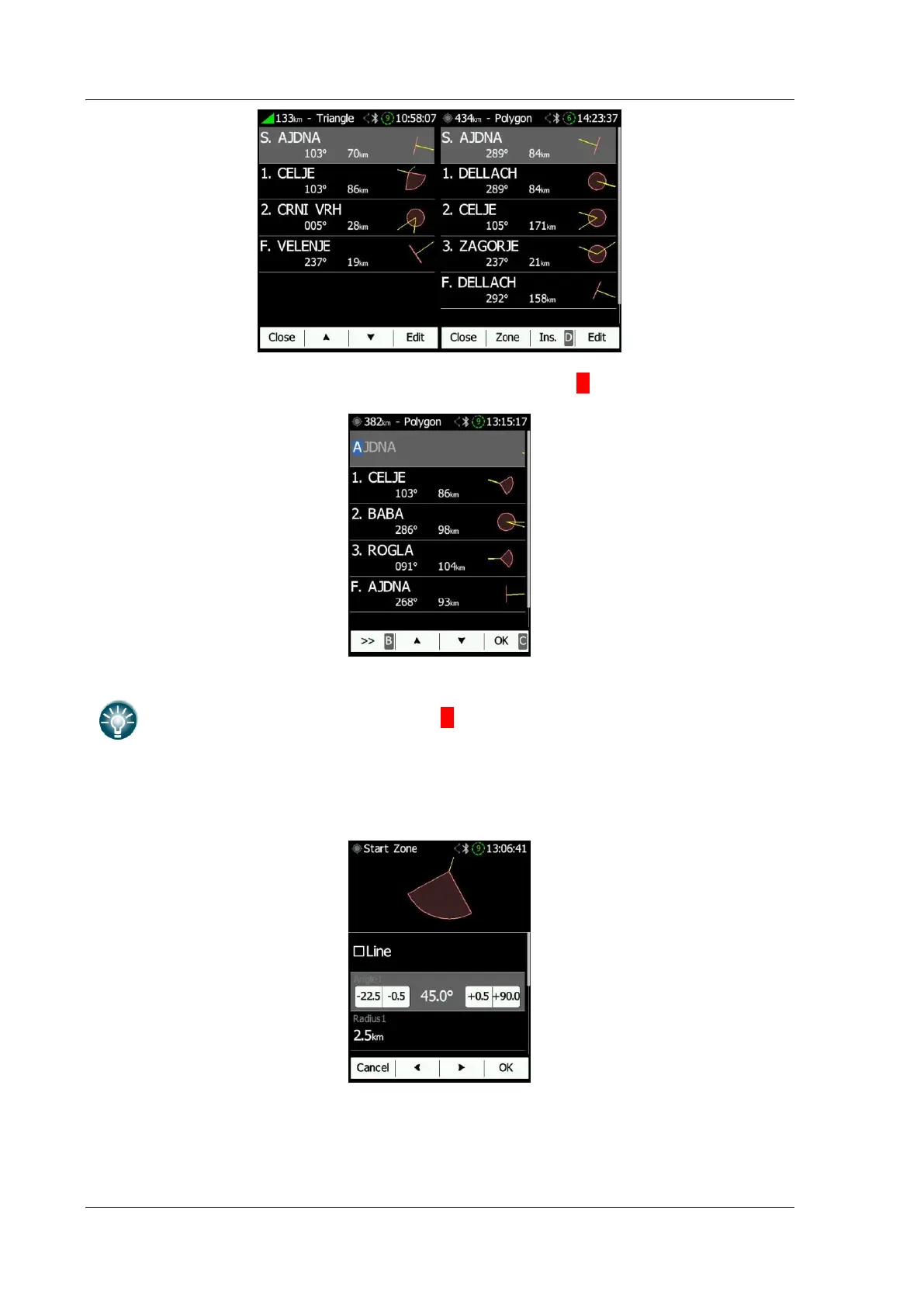
When one is back in the Task menu one can Insert or >DeleteD a waypoint.
To
insert
a waypoint the pilot applies a short push on Ins. To
delete
a waypoint,
he depresses and holds down the D button for about (not more than) one
second.
Each waypoint can have a custom zone or area applied. These areas can be modified by
pressing the Zone button.
When editing the finish point there are two additional options. Check navigate to nearest
point and the system will navigate you to the nearest point on finish zone/line. You can
also set lowest finish altitude by adjusting finish points elevation.

Table of Contents

Other manuals for LXNAV NANO4