169441 213 Revision D
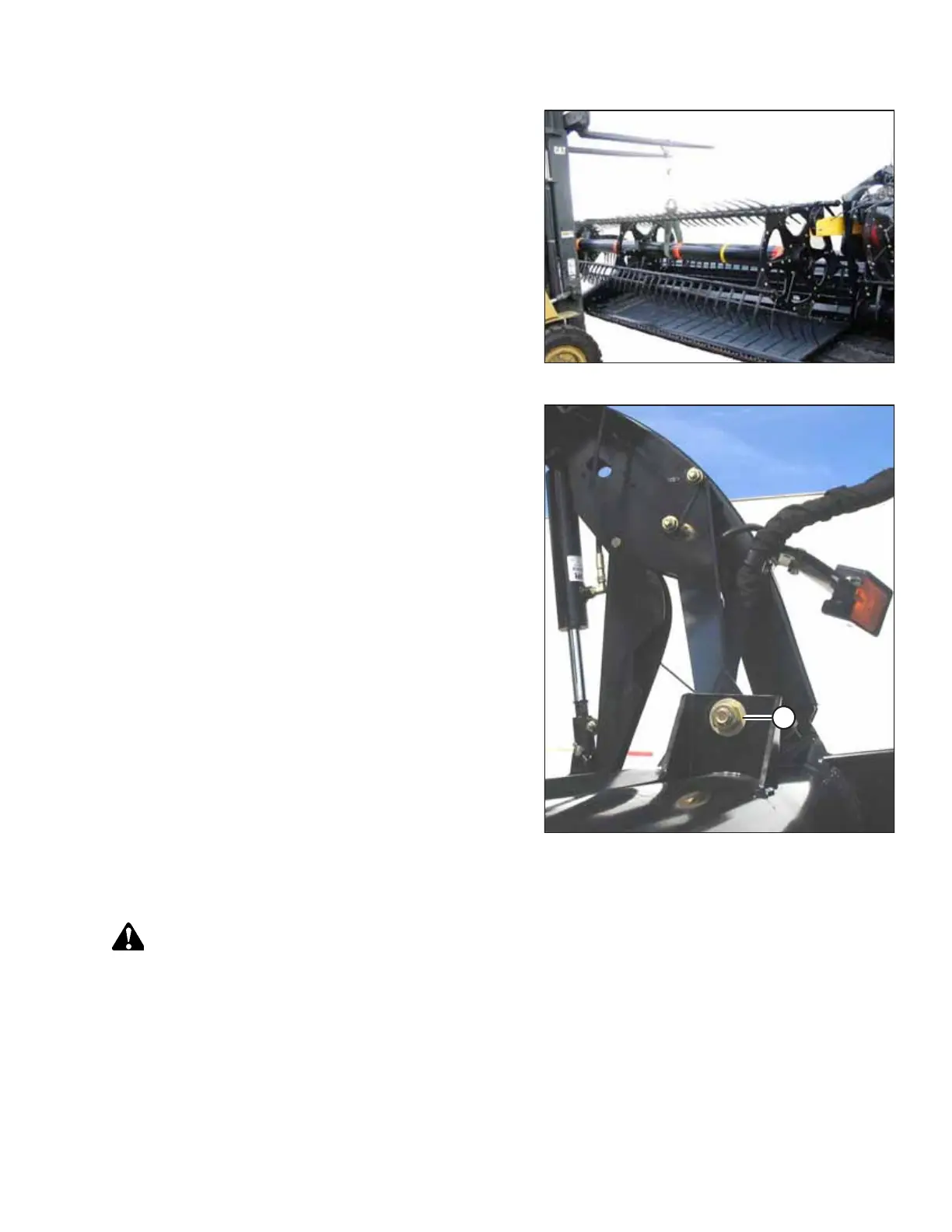
Figure 4.186: Supporting Reel
16. Remove the temporary reel support.
Figure 4.187: Right Reel Arm Brace
17. Retighten reel arm brace bolt (A), and torque to 366 Nm
(270 lbf∙ft).
18. Reinstall the drive cover. For instructions, refer to Installing
Reel Drive Cover, page 204.
Replacing Drive Chain – Breaking Chain Method
DANGER
To prevent bodily injury or death from the unexpected startup of the machine, always stop the engine and remove the
key before adjusting the machine.
1. Shut down the engine, and remove the key from the ignition.
2. Remove the reel drive cover. For instructions, refer to Removing Reel Drive Cover, page 202.
MAINTENANCE AND SERVICING



 To Next Page