3030226 Rev. D 2-5 Installation And
Initial System Start-Up
6. Plug the power cord into a 115 VAC (230 VAC) grounded outlet and reset the
GFCI if necessary (60 Hz RO only). Do not use an extension cord or an
ungrounded adapter.
7. Turn the water supply to the RO ON.
8. Turn ON the power module switch located on the rear of the RO. The touch
screen will illuminate and read PLEASE WAIT as the RO starts up. Once the
startup is complete, navigate to the MAIN Screen by pressing EXIT if necessary.
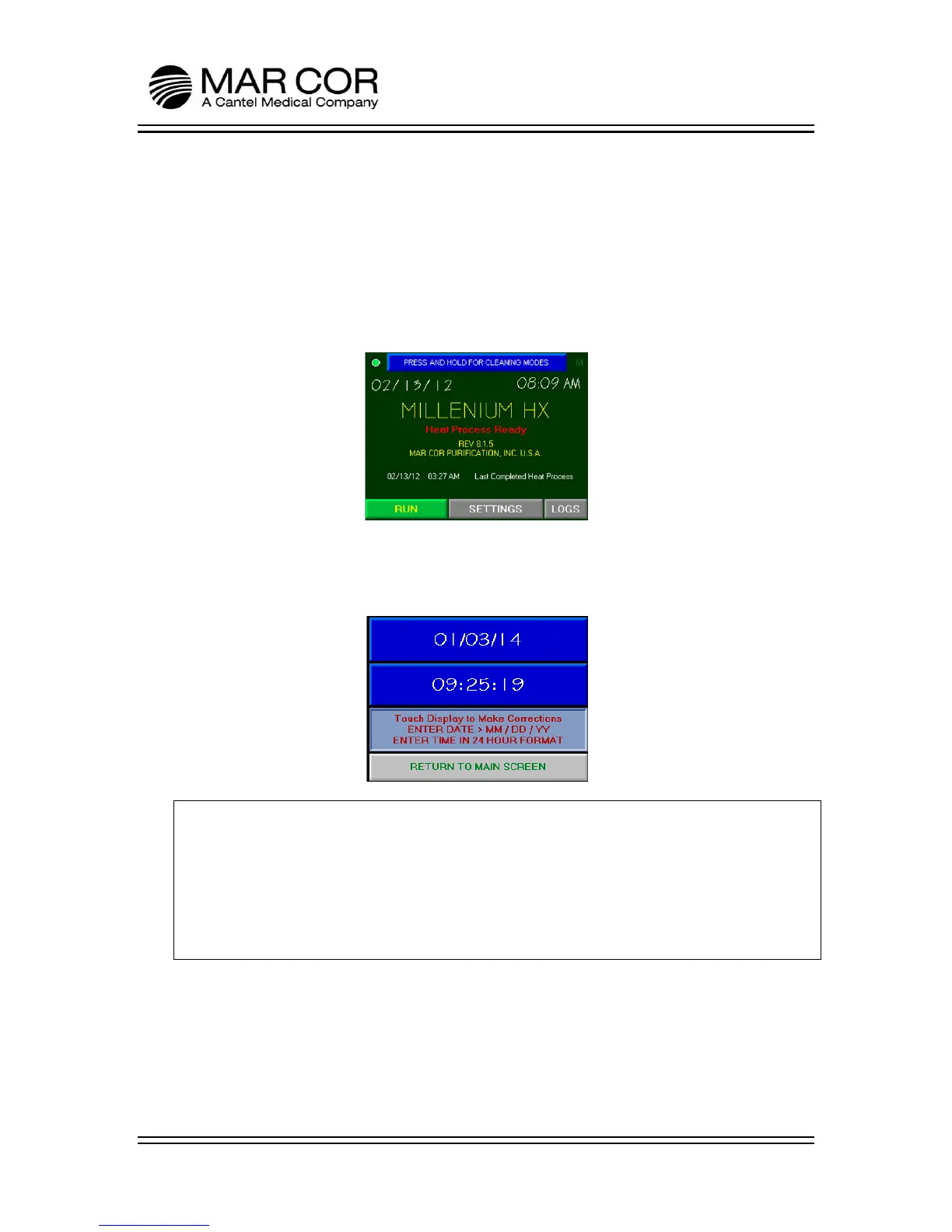
9. Verify the time and date on the RO. If they need to be adjusted, touch in the
area of the time and date and follow the on screen instructions to adjust. The
time does not automatically adjust for day light savings.
NOTE:
The RO is ready for initial startup.
NOTE:
The RO SETTINGS have been set at the factory. It may be necessary to adjust the
Product Quality Alarm set point and the Membrane Performance Monitor Setting
to allow the RO to operate without interruption.



 To Next Page