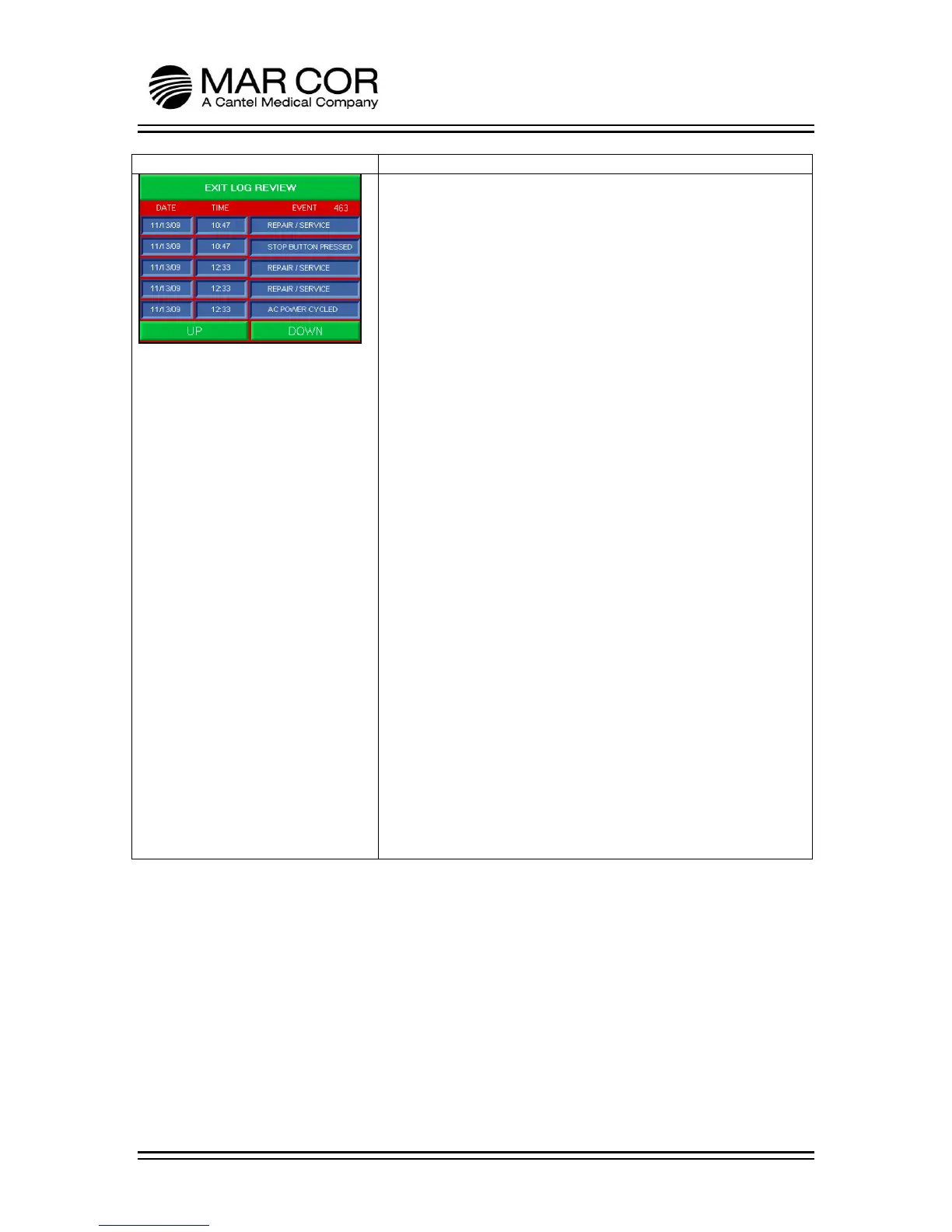
LOG SCREEN
The operator can enter the Log Screen by pressing the LOGS
button from the Main Screen. This screen logs events performed
by the RO system. The following items can be logged. The log
can contain error codes numbers, which aide in troubleshooting.
• Low Product Water Quality
• Product High PSI
• Pump Pressure Alarm
• High Cond Feed Water
• Feed PSI Problem
• High Temperature
• Heat Hold Complete
• AC Power Cycled
• Run Button Pressed
• Stop Button Pressed
• Chem Clean Selected
• Heat Process Started
• Heat Process Failed
• Abort @ Hot Machine
• Tip Over Warning
• Abort Button Pressed
• Sleep Heat Triggered
• PCOM
• Repair/Service
• Failure to Rinse Chemical
• Calibration Entered
• Auto-Run Entered
• Exit Auto-Run
• Rinse Activation
• Exit Rinse
• Chem was Sensed
• Heat Rinse Started
• Heat Rinse Complete



 To Next Page