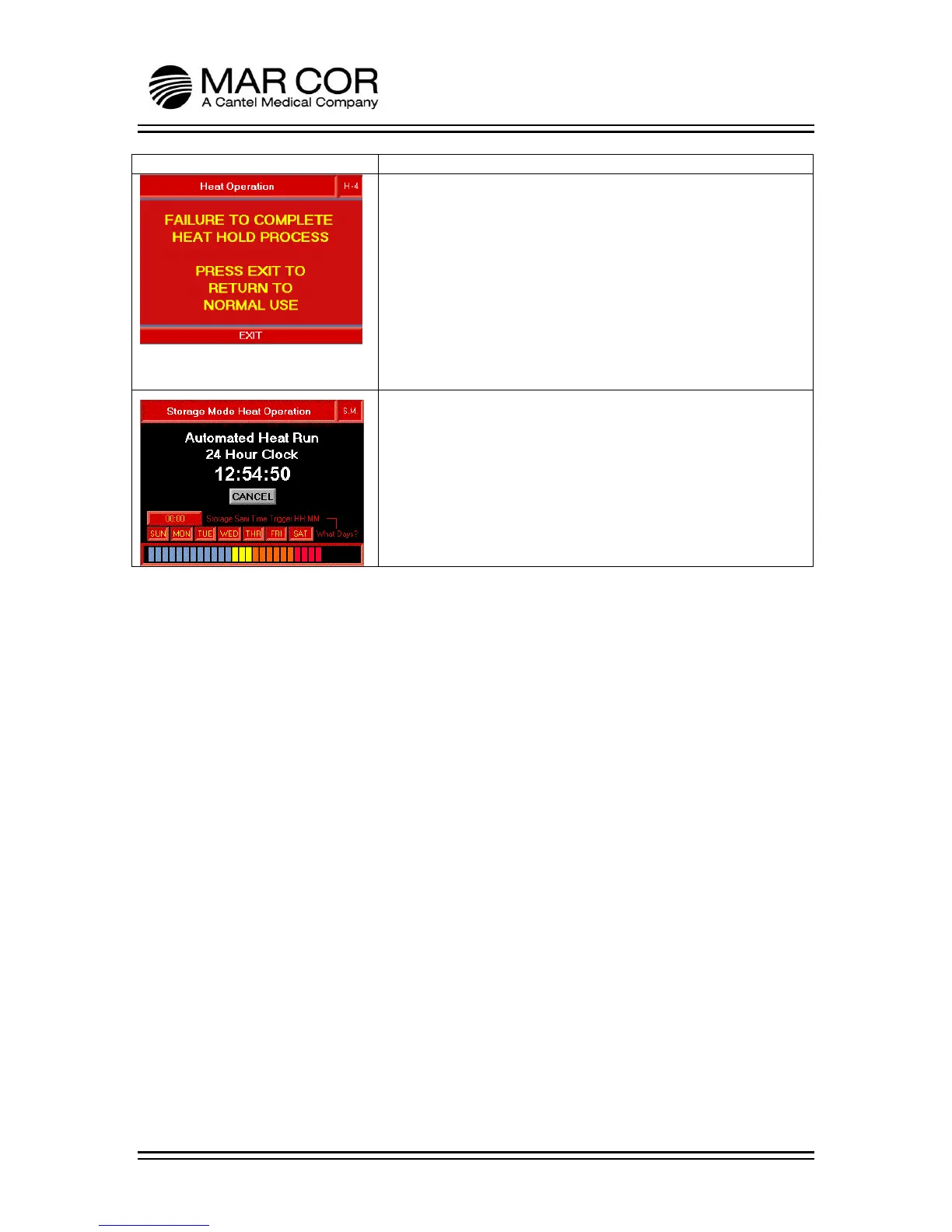
HEAT SCREEN 4
During heat disinfection, if the hold process does not successfully
complete, the display screen will warn the operator of a FAILURE
TO COMPLETE HEAT HOLD PROCESS.
The operator presses EXIT to return to the Chemical or Heating
Operations selection screen.
The logs may contain additional information on why the heat
disinfection did not successfully complete (see page 4-10).
S.M. (Storage Mode Heat Operations)
After a successful STORAGE HEAT disinfection, a countdown timer
is visible in addition to the current disinfection schedule after the
heat hold is complete. The schedule can be adjusted from this
screen. If the day of the week indicator is visible, the RO will heat
disinfect at the specified time on that day. The settable time is in
a 24 hour clock format. If CANCEL is pressed, the screen will
advance to the Cool Down Screen if water temperature is above
120F (49C) or Post Heat Rinse screen if below 120°F (49°C).



 To Next Page